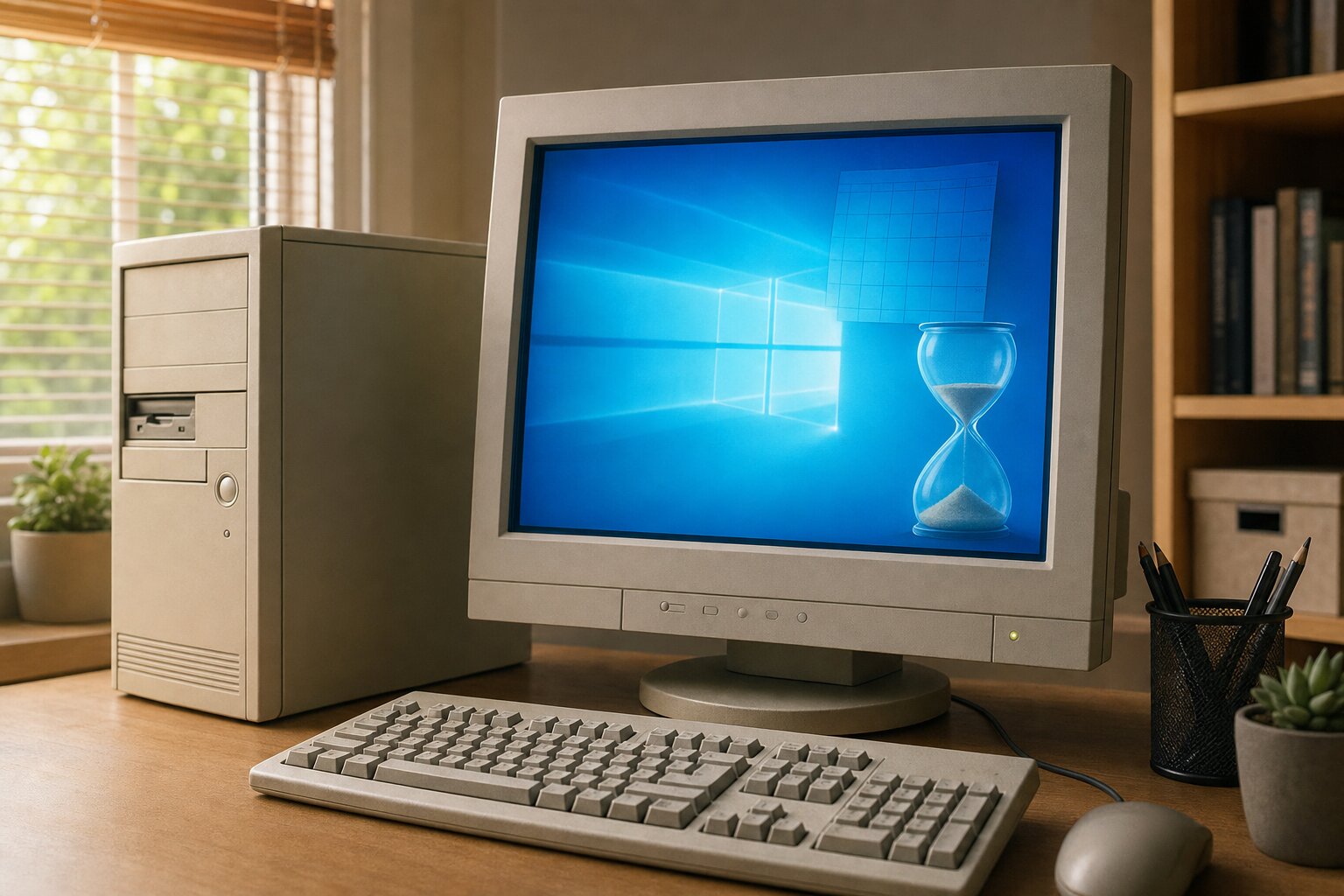
If you’ve seen a message about Windows 10 “reaching end of support” and wondered whether you need to do something about it — this is the plain-English version, with no scare tactics and no hard sell.
The short version: Microsoft stopped supporting Windows 10 on 14 October 2025. Your computer didn’t suddenly stop working that day, and it won’t. But it does mean a few things worth understanding, because they affect how safe your machine stays over the coming months.
What “end of life” actually means
It does not mean your computer stops working, or that Windows 10 switches itself off. It keeps running exactly as before. What changes is behind the scenes:
- No more security updates. This is the important one. Microsoft no longer patches the new security holes that are discovered every month. Over time, that leaves the system gradually more exposed to viruses, ransomware and scams.
- No more bug fixes or feature updates. Whatever quirks it has now, it’ll keep.
- No official support if something goes wrong, and over time some apps and devices (printers, banking apps, browsers) will quietly stop supporting it too.
Think of it like a car that’s no longer serviced or sold parts for. It still drives perfectly well today — but you wouldn’t want to rely on it for years without a plan.
Am I in danger right now?
Not immediately. If you have a sensible antivirus, you’re careful with email (see our piece on why phishing is now the bigger threat), and you keep your browser up to date, you’re reasonably safe for now. The risk is cumulative — it grows slowly the longer you stay on an unsupported system. So there’s no need to panic, but it is worth making a plan rather than ignoring it indefinitely.

Your options, from simplest to biggest
- Upgrade to Windows 11 (often free). If your PC meets Microsoft’s requirements, the upgrade to Windows 11 is free and keeps you fully supported again. Many computers from roughly 2018 onwards qualify. The catch is a chip called TPM 2.0 and a few other requirements that older machines don’t have — which is why some PCs are offered the upgrade and others aren’t. We can check yours in a couple of minutes.
- Give an older PC a new lease of life. If your machine is a bit too old for Windows 11 but otherwise fine, a small upgrade — an SSD and a little more memory — can make it pleasant to use again. Whether that’s worth it depends on the machine; we’ll always give you the honest answer.
- A short paid safety net. Microsoft offered a paid “Extended Security Updates” option that buys an extra year of security patches for Windows 10. It’s a stop-gap, not a long-term fix, but it can bridge the gap if you’re not ready to change yet.
- Replace it. If your computer is genuinely old and slow, end of support is a natural moment to replace it. We’ll never push you into this — but if it’s the sensible call, we’ll help you choose something that suits how you actually use it (and move all your files and emails across).
What we’d recommend
For most people, the path is simple: let us check whether your PC can run Windows 11. If it can, we back up your data first, do the upgrade properly, and you’re sorted — usually for a modest fixed fee. If it can’t, we’ll tell you honestly whether a small upgrade is worth it or whether your money is better spent on a replacement.
Two things we’d gently insist on either way:
- Back up first. Before any upgrade or new machine, your photos, documents and emails should be safely copied. We always do this as step one.
- Don’t fall for “your Windows is out of date” pop-ups. Scammers are already using Windows 10’s end of life as bait. A real upgrade never arrives as an urgent pop-up demanding payment or a phone call.
The bottom line
Windows 10 reaching end of life isn’t an emergency — but it is a nudge to make a plan within the next few months rather than drifting on indefinitely. If you’re not sure whether your computer can move to Windows 11, or what the sensible option is for your particular machine, bring it in or give us a ring. We’ll check it, explain your choices in plain English, and you can decide with no pressure.