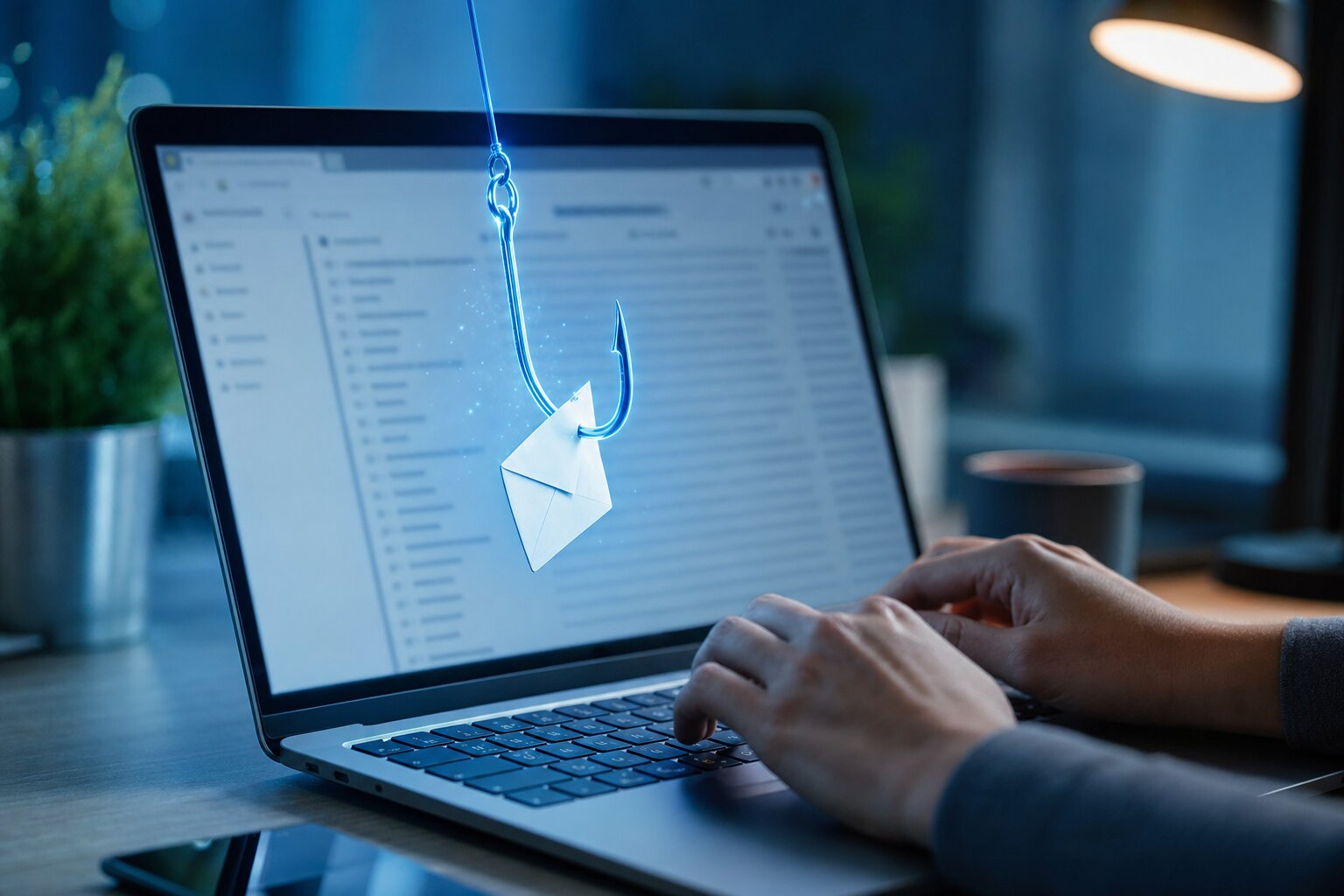
Ten years ago, the thing to be afraid of was a virus — a nasty bit of software that snuck onto your computer, slowed it to a crawl and trashed your files. Today, modern antivirus (including the Microsoft Defender already built into Windows) quietly blocks the overwhelming majority of that. The real danger has moved. It now arrives, politely, in your inbox.
Phishing — a fake email or text designed to trick you into handing over a password, a card number, or money — has overtaken viruses as the way most ordinary people actually get caught out. And the reason it’s so dangerous is simple: it doesn’t attack your computer. It attacks you.
Why a clever email beats a virus
Antivirus is good at spotting bad software. It is no help at all when the email is just words — a believable message asking you to “confirm your details” or “pay this overdue invoice”. There’s nothing for a scanner to catch, because nothing technically malicious has happened until you click the link and type your password into a fake page. A few reasons it’s now the bigger threat:
- It walks straight past your defences. No download, no infected attachment needed — just a link to a website that looks exactly like your bank, Microsoft, PayPal or the Post Office.
- One click can cost you everything. A virus might cost you an afternoon. A phishing email that captures your email password can let a stranger reset every other account you own — banking included.
- AI has made them flawless. The clumsy spelling and odd grammar that used to give scams away are gone. Today’s phishing emails are perfectly written, properly branded, and often personalised with your real name and details scraped from a data breach.
- There’s nothing to “scan and remove”. Once you’ve handed over a password, the damage is done on someone else’s server, not your machine. No clean-up tool can undo it.
What modern phishing actually looks like
Forget the old “Nigerian prince” cliché. The emails that catch people now are dull, ordinary and plausible — because that’s exactly what makes you act without thinking:
- A delivery notice: “We couldn’t deliver your parcel — pay a small redelivery fee.”
- An invoice or receipt for something you didn’t buy: “Your subscription has renewed for £89.99 — to cancel, click here.” (Panic makes you click.)
- A bank or PayPal “security alert”: “Unusual login detected — verify your account now.”
- A Microsoft 365 / email warning: “Your mailbox is full” or “Your password expires today — re-confirm it.”
- An email that appears to come from someone you know — a colleague, your boss, even a family member — because their account was hacked first.
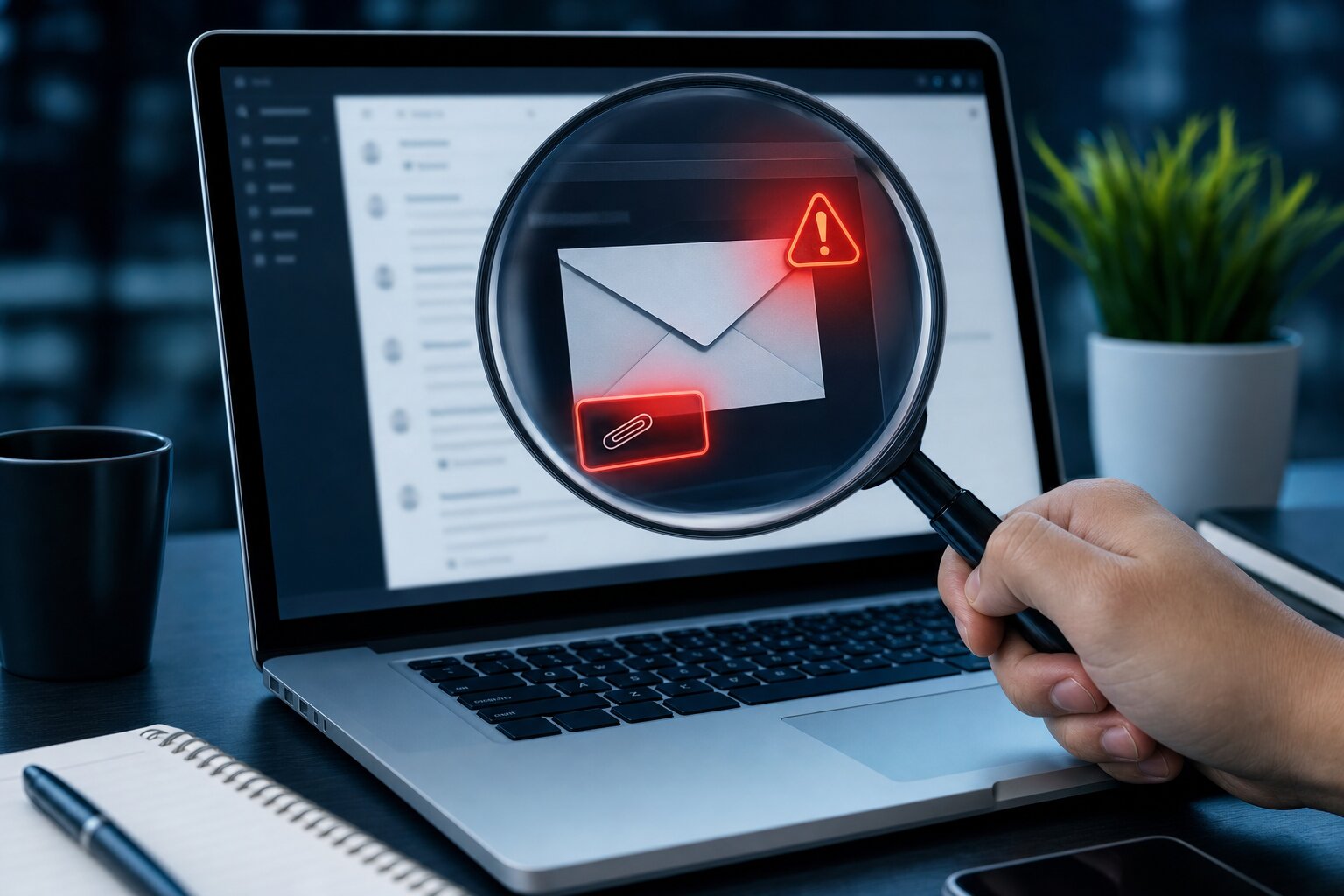
The red flags — spotting one in five seconds
Almost every phishing message trips at least one of these wires. If you train your eye for them, you’ll catch nearly all of them:
- Urgency or threat. “Act now or your account will be closed.” Real organisations don’t rush you like this.
- The link doesn’t match. Hover over it (on a phone, press and hold) and read the actual address. “paypal-secure-login.com” is not PayPal.
- A slightly-wrong sender. “service@amaz0n-support.co” or a normal-looking name hiding a junk address underneath.
- It asks for a password, code or payment. No genuine company will ever email you to ask for your password or a one-time code.
- An unexpected attachment. Especially a “.zip”, an invoice you weren’t expecting, or a document that wants you to “enable editing”.
The golden rule: if a message creates a sudden feeling of panic or urgency, slow down. That feeling is the scam working. Never click the link in the email — instead, go to the company’s website yourself, or ring them on a number you looked up, not one from the email.
What to do if you’ve already clicked
It happens to careful, intelligent people every day — don’t feel foolish. Act quickly and you can usually limit the damage:
- If you entered a password, change it immediately — and change it anywhere else you used the same one. Start with your email account, as that’s the master key to everything else.
- Turn on two-step verification (also called 2FA or MFA) on that account, so a stolen password alone isn’t enough to get in.
- If you entered card or bank details, phone your bank straight away — most UK banks can block or refund if you’re quick.
- If it came from a contact’s hacked account, let them know so they can secure it before it spreads further.
- Report it. Forward suspicious emails to report@phishing.gov.uk (the UK’s official reporting address) and delete them.
How to stop them reaching you in the first place
Awareness is your best defence, but you shouldn’t have to be on guard every second of every day. A few sensible layers take most of the pressure off:
- Turn on two-step verification on email, banking and anything important. It’s the single most effective thing you can do.
- Use a password manager so every account has a different password — then one leaked password can’t unlock the rest.
- Add a proper email-security layer. Most phishing can be filtered out before it ever lands in your inbox. One we rate is EverGuard (everguard.uk) — it’s built specifically to catch phishing and dangerous attachments, and it’s well worth a look for anyone who runs a business or simply relies on email day to day.
- Keep Windows and your browser updated. For the rare phishing email that does carry a genuine payload, an up-to-date system shrugs most of it off.
And if an email has you worried — or you think you may have clicked something you shouldn’t have — don’t stew on it. Bring the device in, or give us a ring, and we’ll take a calm, honest look with you. It’s far better to ask and be told “you’re fine” than to wonder.