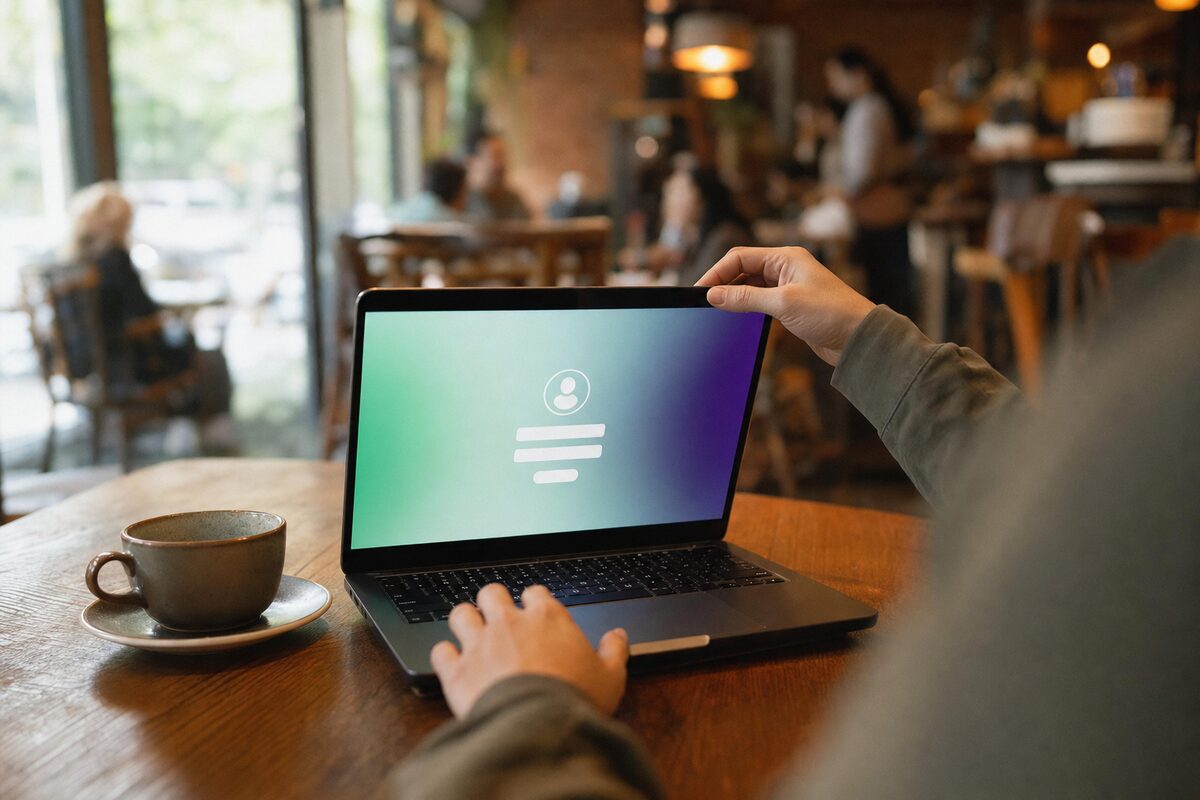
You sit down with a coffee, open your laptop, tap the café's Wi-Fi name, and a login page appears asking for your email address. You type it in without a second thought, hit "Connect", and get on with your day. Most people do exactly this. And most of the time, it's completely fine.
But occasionally — and this is worth knowing — that page isn't what it looks like.
We've had a few customers come in recently who'd connected to what they thought was a normal public Wi-Fi network, only to find their email had been harvested, strange login attempts had appeared on their accounts, or in one case, their device had been nudged toward downloading something nasty. It's not an everyday crisis, but it's common enough that it's worth understanding what's actually going on.
What Is That Login Page, Normally?
When you join a public Wi-Fi network — in a hotel, a café, a train station, an airport — and a webpage appears before you can browse, that's called a captive portal. It's entirely normal and legitimate. The business uses it to:
- Collect your email address (for marketing, usually)
- Make you agree to their terms of use
- Limit how long or how much you can download for free
- Verify you're a customer, not someone sitting outside on the pavement
Your phone or laptop detects that the network isn't giving it proper internet access yet, and automatically pops up that page. It's a feature built into every modern operating system. So far, so harmless.
The Problem: Anyone Can Create One
Here's the uncomfortable bit. Setting up a Wi-Fi hotspot with a captive portal page requires very little technical skill and very little equipment. A cheap travel router, a free piece of software, and about twenty minutes is all it takes. Someone sitting in the same café as you could have created a network called "CafeWifi_Free" (or something that looks plausible), and when you connect to it, their fake login page appears instead of the café's real one.
This is called an evil twin attack. The fake network mimics the real one. The fake login page mimics what you'd expect to see. And anything you type into it — your email, sometimes a password, occasionally payment details if the fake portal claims you need to pay — goes straight to whoever set it up.
Beyond harvesting what you type, a rogue network can also intercept unencrypted traffic flowing through it, or redirect you to sites that try to install malware. It sounds dramatic. It is, slightly. But it's also genuinely simple to pull off, which is why it happens.
How to Spot a Dodgy Login Page
You won't always be able to tell for certain, but these are the warning signs worth looking for:
- It asks for a password you use elsewhere. A legitimate captive portal never needs your Google, Microsoft, or email account password. If it asks for one, don't type it.
- It asks for payment details unexpectedly. Some paid hotspots do charge, but if you weren't expecting to pay and no one mentioned it, be very cautious.
- The URL looks wrong. Real captive portals often use the venue's own domain or a known portal provider. A string of random characters or a domain you don't recognise is a red flag.
- There's no HTTPS padlock — and it's asking for sensitive information. Basic portals don't always have SSL, which is fine for just clicking "accept terms". But if it's asking for anything private over plain HTTP, walk away.
- The network name is slightly off. "Premier Inn WiFi" vs "PremierInn_WiFi_Free" — always check with staff which network is theirs.
Simple Habits That Protect You
You don't need to become paranoid about public Wi-Fi — just a little more deliberate about how you use it.
- Ask staff for the exact network name. Thirty seconds of checking is worth it. The correct name is usually printed somewhere anyway.
- Never log into important accounts on public Wi-Fi without a VPN. A VPN encrypts your traffic so even if someone is watching the network, they see nothing useful. Many are free or cheap.
- Use mobile data for anything sensitive. Online banking, work email, anything with a password — if you're on a laptop and your phone is nearby, hotspot from your phone instead. Your mobile connection is vastly harder to intercept than a café's open Wi-Fi.
- Keep your operating system and browser updated. Both Windows and macOS have built-in protections that improve with every update. An unpatched machine is more vulnerable on any network.
- Turn off auto-connect to open networks. Both Windows and iPhone/Android let you disable automatically joining saved open networks. It's a small but worthwhile setting to find and turn off.
What If You Think You've Already Connected to a Fake One?
Don't panic — the risk varies hugely depending on what you did while connected. If you just browsed a few news sites, the exposure is minimal. If you typed in an email address, go and change the password on that email account now, and enable two-factor authentication if you haven't already.
If you think you may have entered a password you use elsewhere, change it on every account that shares it — and do it from a trusted network at home. If your device started behaving oddly afterwards (unexpected pop-ups, sluggishness, new apps you didn't install), it's worth having someone take a look. A quick virus removal check can confirm whether anything unwanted made it onto the machine.
The honest takeaway here isn't "never use public Wi-Fi" — that's impractical and a bit over the top. It's simply: before you type anything into that login page, take five seconds to make sure you're on the right network. That one habit, consistently applied, eliminates most of the risk entirely.