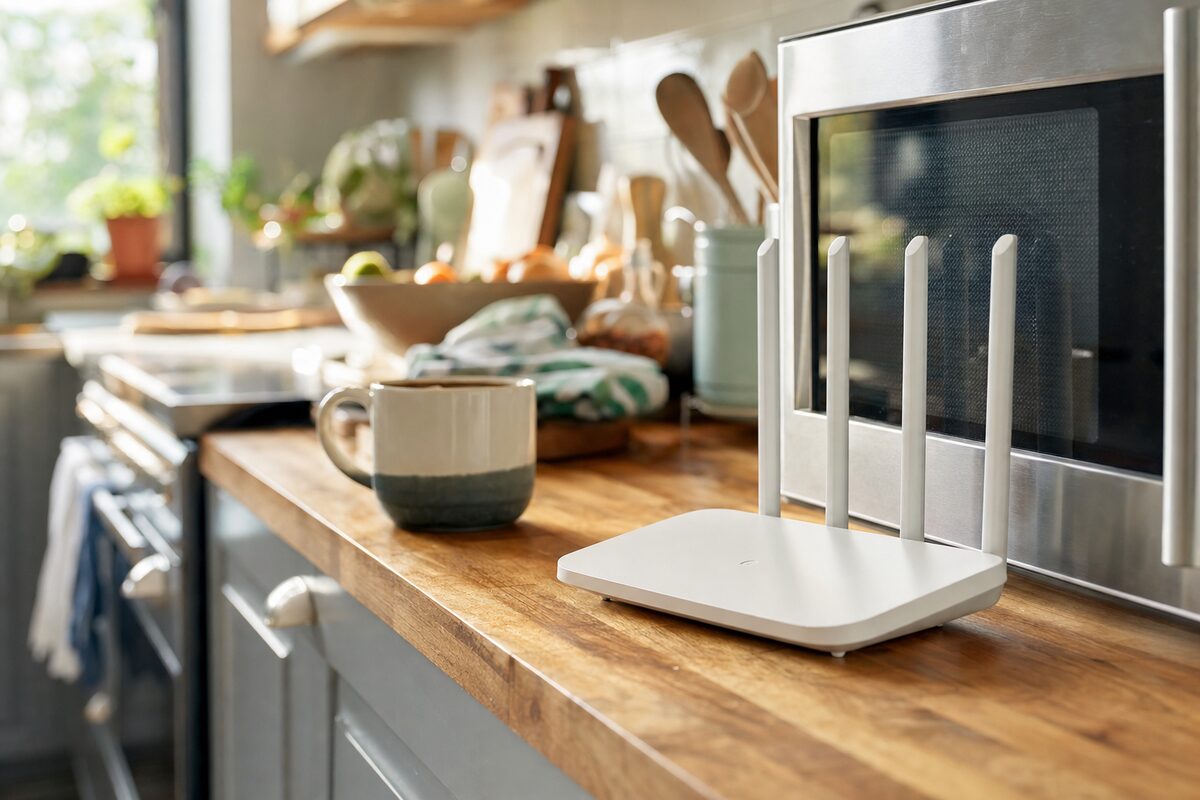
A customer came in last spring, convinced her broadband provider had quietly throttled her connection. Streaming would stutter, video calls would freeze mid-sentence, and web pages would grind to a halt — all for a few minutes at a time, scattered through the day. When she checked the speeds on her phone, they were perfectly fine. But on her laptop, sitting in the kitchen, it was a disaster.
The broadband provider wasn't to blame. Her router was fine. The culprit? The microwave oven, two feet away on the worktop — and the cordless phone base station next to it for good measure.
Why Ordinary Appliances Can Wreck Your Wi-Fi
Most home Wi-Fi runs on the 2.4 GHz radio frequency. It's the older, slower band that travels well through walls — which is why so many devices default to it. The problem is that microwave ovens also operate at 2.4 GHz. When a microwave is running, it leaks a small but significant amount of radio energy at exactly the frequency your Wi-Fi uses.
This isn't a design flaw or a cheap appliance problem — it's physics. Microwave ovens are shielded, but no shielding is perfect, and older or cheaper models leak more than newer ones. Your router can't shout loud enough to be heard clearly over that interference, so speeds drop, packets get lost, and connections stall.
It's also why the problem comes and goes. Nobody uses a microwave all day. But heat up your lunch, reheat a coffee, defrost something — and for those two or three minutes, your Wi-Fi takes a hit.
It's Not Just Microwaves
The microwave is the most dramatic culprit, but it has plenty of company. If your Wi-Fi seems unreliable or slow, any of these could be contributing:
- Cordless DECT phones — older models in particular broadcast on 2.4 GHz and can cause persistent, low-level interference
- Baby monitors — especially analogue ones, which are notoriously noisy on the radio spectrum
- Bluetooth speakers and headphones — Bluetooth shares the same 2.4 GHz band and can cause congestion when multiple devices are active
- Neighbouring Wi-Fi networks — in a terrace or flat, every router nearby is competing for the same channels
- Wireless security cameras — many budget models hammer the 2.4 GHz band continuously
- LED light dimmers — a surprising one, but cheap dimmer switches can emit enough electrical noise to affect nearby wireless signals
The Simple Fix Most People Don't Know About
Here's the good news: most modern routers broadcast on two bands simultaneously — 2.4 GHz and 5 GHz. The 5 GHz band is faster, less congested, and completely ignored by microwave ovens and most other household appliances. The catch is that 5 GHz doesn't travel quite as far through walls.
The practical solution is straightforward:
- Check whether your router has a 5 GHz network available — it often appears as a second Wi-Fi name, sometimes with a "5G" or "_5GHz" suffix
- Connect your laptop, streaming device or desktop to the 5 GHz network instead of the 2.4 GHz one
- Keep devices that are far from the router (or need to pass through many walls) on the 2.4 GHz network, where the range is better
- If your router only shows one network name, log into its settings — most modern routers let you split the bands so you can choose which to use
If you're not sure whether your router even supports 5 GHz, look at the label on the bottom — it will usually list the frequencies it supports. Anything described as "dual-band" has both.
What If Switching Bands Doesn't Help?
If you've moved to 5 GHz and things are still patchy, the next step is thinking about where your router lives. Routers tucked inside cupboards, crammed behind televisions, or wedged beside other electronics perform significantly worse than routers given a bit of breathing room in a central position.
The router should ideally be:
- Out in the open, not hidden in a cabinet
- Positioned as centrally as possible in the home
- Away from other electronics — especially microwaves, TVs, and cordless phone bases
- Off the floor if possible — raised higher tends to help the signal spread
If your home is large or has thick stone walls (common in older Kent properties), no amount of repositioning will fully solve the problem. In that case, a mesh Wi-Fi system — which uses multiple small units dotted around the house — is often the most practical solution. We've seen these transform connectivity in homes where a single router simply can't reach every room.
The Practical Takeaway
Before you ring your broadband provider to complain, or spend money on a new router, do a quick experiment. Next time your Wi-Fi drops or slows, note what's happening nearby. Is the microwave on? Did someone just pick up the cordless phone? Is a Bluetooth speaker streaming in the same room?
If the answer is yes to any of those, try switching your device to the 5 GHz band and see if the problem disappears. In our experience, this one change — free, and taking about two minutes — solves the issue for a surprising number of people.
Wi-Fi problems are genuinely one of the most common things we help people with at Advantec, and more often than not the fix is simpler than anyone expected. The technology isn't broken — it just needs to be given a fair chance.