
It’s the question we hear more than any other: “Why has my computer got so slow?” The good news is that a slow computer is rarely “worn out” or beyond help. Nine times out of ten it’s one of a handful of very fixable causes — and the fix is usually far cheaper than a new machine.
Here’s what’s really going on, roughly in order of how often we see it.
1. It’s still running on an old-fashioned hard drive
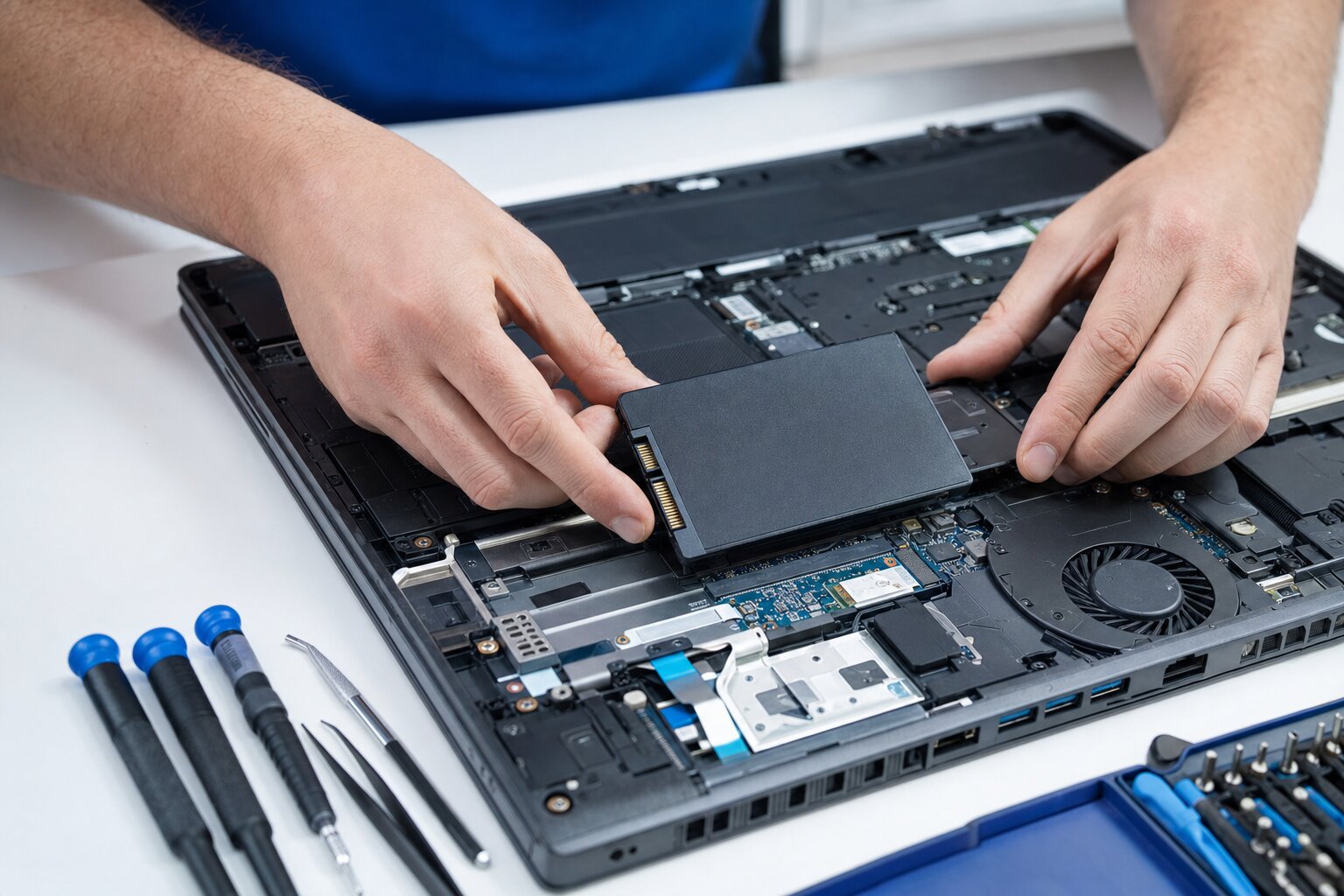
This is, by a mile, the number one cause of a slow computer — especially anything more than a few years old. Traditional hard drives (HDDs) have spinning metal platters and are painfully slow by modern standards. Swapping that for a solid-state drive (SSD) is the single most dramatic upgrade you can make: machines that took two minutes to start up are ready in seconds, and everything feels instant again.
If your computer is slow from the moment it turns on, churns away when you open anything, and the hard-drive light is constantly lit — this is almost certainly your problem. An SSD upgrade is the best money most people can spend on an older PC.
2. Too much starts up with the computer
Every program you install tends to want to launch itself the moment you switch on — and they all queue up, fighting for resources, while you wait to get going. After a few years that startup queue can be enormous. Trimming it back to the essentials can make the difference between a one-minute and a five-minute boot.
3. Not enough memory (RAM) for how you use it
RAM is your computer’s short-term working space. If you’re someone who keeps twenty browser tabs open, plus email and a couple of other programs, an older machine with only 4GB of memory will grind. Adding more memory is usually inexpensive and makes everyday multitasking smooth again.
4. The disk is almost full
Computers need a bit of free space to work in. When a drive gets close to full, everything slows down and updates start failing. Clearing out old files, downloads and the digital clutter that builds up over the years often gives a tired machine a noticeable lift.
5. Malware, or a dodgy “cleaner” you were talked into
Sometimes the slowdown is something unwanted running in the background — malware, or those “PC speed-up” programs that nag you to pay (more on those below). A proper clean-out can restore a lot of lost performance. If you’ve had any odd pop-ups lately, our guide on virus & malware removal is worth a read.
6. It’s overheating and throttling
Computers slow themselves down deliberately when they get too hot, to protect the internals. Years of dust clogging the fans and vents is a common, and very fixable, cause — a clean-out and fresh thermal paste can stop a laptop that runs hot and sluggish.
A word on “speed booster” apps — please don’t
You’ll have seen the adverts: “Download this and make your PC 300% faster!” Be very wary. The vast majority of these “optimiser” and “cleaner” tools do little except nag you to pay, and a fair few actually cause slowdowns, pop-ups and problems of their own. There is no magic app that makes a computer faster — real speed comes from fixing the real cause (usually that hard drive). If anything, these tools are often part of the problem we’re asked to remove.
So what should you actually do?
For most slow computers, the honest answer is one or two simple, affordable things rather than a new machine:
- If it’s slow from boot and has an old hard drive — an SSD (and often a little extra RAM) will transform it. This is the big one.
- If it’s generally sluggish — a proper tune-up: trimming startup items, clearing clutter, removing junk software, checking for malware and sorting out cooling.
- If it’s genuinely old and tired — we’ll tell you honestly when a repair isn’t worth it. Our guide on whether a laptop is worth repairing walks through that decision.
The best part: you don’t have to guess. Bring your computer in (or give us a ring) and we’ll run a proper health check, tell you exactly why it’s slow, and give you a clear, no-pressure quote for the fix. Most slow machines walk back out the door feeling like new — for a fraction of the cost of replacing them.