There's a particular kind of repair job that keeps technicians honest. The customer is absolutely convinced something is badly wrong. You sit down at the bench, power the machine on — and it works perfectly. No faults, no errors, not even a flicker. You test it for an hour. Still nothing. You hand it back, the customer takes it home, and twenty minutes later your phone rings.
That's almost exactly what happened with a job that came in a few months ago. A retired gentleman — let's call him Gerald — brought in his three-year-old Windows laptop. His complaint was simple: the screen kept going completely black, seemingly at random, for no reason he could identify. Sometimes it came back after a few seconds. Sometimes it didn't come back at all until he forced a restart.
What Gerald Thought Was Wrong
Gerald had done his research, bless him. He'd spent an evening on a laptop forum and arrived with a printed list of possibilities: a failing graphics driver, a dodgy Windows update, the laptop "overheating," or possibly a virus causing the display to crash. He was half-convinced it was a software problem and had already done a full factory reset the week before — which, as he put it, "made absolutely no difference whatsoever."
He was right that the reset hadn't helped. He was wrong about almost everything else — but only because intermittent hardware faults are genuinely confusing, and the internet is very good at steering people toward software explanations for what are often physical problems.
What the Bench Tests Showed — Which Was Nothing
The laptop came in, powered on first time, and displayed a perfectly bright, stable image. We ran it through the usual checks: graphics stress tests, RAM diagnostics, temperature monitoring, a display cable wiggle test. We opened and closed the lid repeatedly. We tilted the screen to various angles. We left it running for the better part of a day.
Nothing. Not a single dropout.
This is where experience matters more than any diagnostic tool. When a fault is completely absent on the bench, you have two options: tell the customer you can't find anything and send them home, or start thinking about what's different about the environment in which the fault does occur. We chose the latter — and asked Gerald a few more questions.
Had the screen ever gone black at a particular time of day? Was it worse in a certain room? Did it happen more when he was doing something specific, or just sitting there? Did it happen when the laptop was on its own, or plugged into something?
That last question is what unlocked it. Gerald mentioned, almost as an aside, that he usually had the laptop on a little wooden lap tray — one of those beanbag-bottomed things — and that he often had it plugged into his television via an HDMI cable so he could watch things on the bigger screen.
The Real Culprit: A Failing HDMI Port
The Real Culprit: A Failing HDMI Port
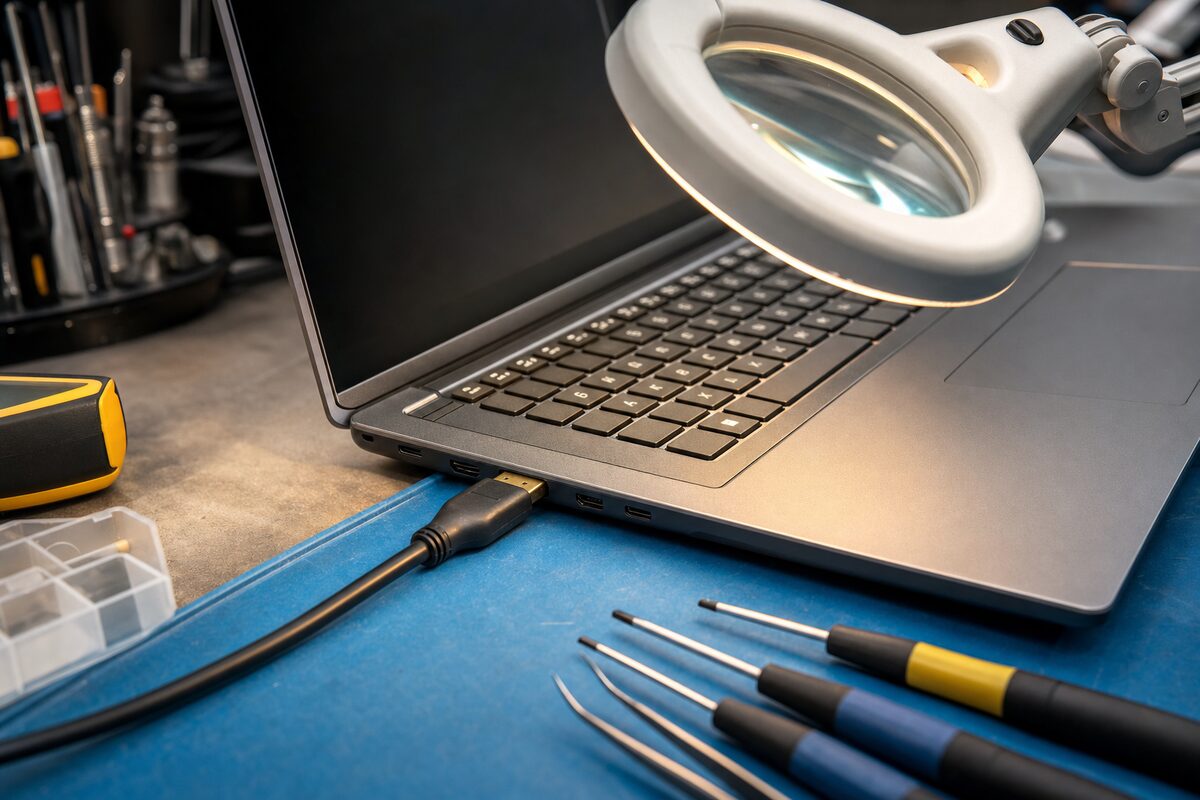
We dug out an HDMI cable, plugged the laptop into an external monitor, and within four minutes the screen went black. Not the external monitor — the laptop's own screen. The external display stayed rock solid.
What was happening was this: the HDMI port on the laptop had developed a fault — almost certainly a couple of hairline solder cracks where the port met the motherboard, the kind of micro-fracture that develops over time with repeated plugging and unplugging. When the HDMI port was connected and active, it was causing the laptop's display controller to become confused about which output it was supposed to be driving. The laptop screen would drop out while the external signal stayed fine. Unplug the HDMI cable, and the laptop screen came straight back.
At home, Gerald almost always had the HDMI cable plugged in. In the shop, we hadn't tested it with one. Classic intermittent fault — perfectly hidden by a slightly different set of conditions.
How We Fixed It
The repair had two parts. First, we reflowed the solder joints on the HDMI port — carefully applying heat to reflow the cracked connections and restore a solid electrical contact. Second, we updated the laptop's display drivers and BIOS firmware, both of which were significantly out of date and may have been making the display controller less tolerant of the dodgy signal it was getting from the port.
Total time on the bench, once diagnosed: about two hours. Gerald collected it the next day, took it home, plugged in his HDMI cable, and it worked without a single dropout.
He rang us anyway — not to complain, but just to say thank you. Which is always a good end to a job like this.
What This Fault Teaches Us — and What to Tell Your Technician
Intermittent faults are the hardest category of repair, and they catch out customers and technicians alike. Here are the practical lessons from Gerald's laptop:
- Reproduce the exact setup. If your laptop only goes wrong when it's plugged into the telly, tell your technician that upfront — and bring the cable with you if you can. The more closely a fault can be reproduced in the shop, the faster and cheaper the diagnosis.
- A factory reset rarely fixes hardware problems. If the fault happens regardless of what software is running, the cause is almost certainly physical. A reinstall won't help a cracked solder joint, a loose cable, or a failing component.
- External ports take more wear than you'd think. HDMI, USB, and headphone sockets are plugged and unplugged hundreds of times over a laptop's life. The solder joints underneath can crack gradually — and the fault often only shows up under specific conditions, not all the time.
- Intermittent doesn't mean unfixable. It just means the diagnosis takes longer. If your laptop does something odd only sometimes, write down exactly when and how it happens before you bring it in — that information is genuinely valuable.
The broader lesson is one that applies to all kinds of computer problems: context is everything. A fault that seems random almost never is. There's usually a specific combination of conditions that triggers it — a particular cable, a certain temperature, a specific program running in the background. Unpicking that combination is what diagnosis actually is.
Gerald's laptop is now well into its fourth year and going strong. He still uses his lap tray and his HDMI cable. He just knows now that if something strange starts happening again, he should tell us exactly what was plugged in at the time.