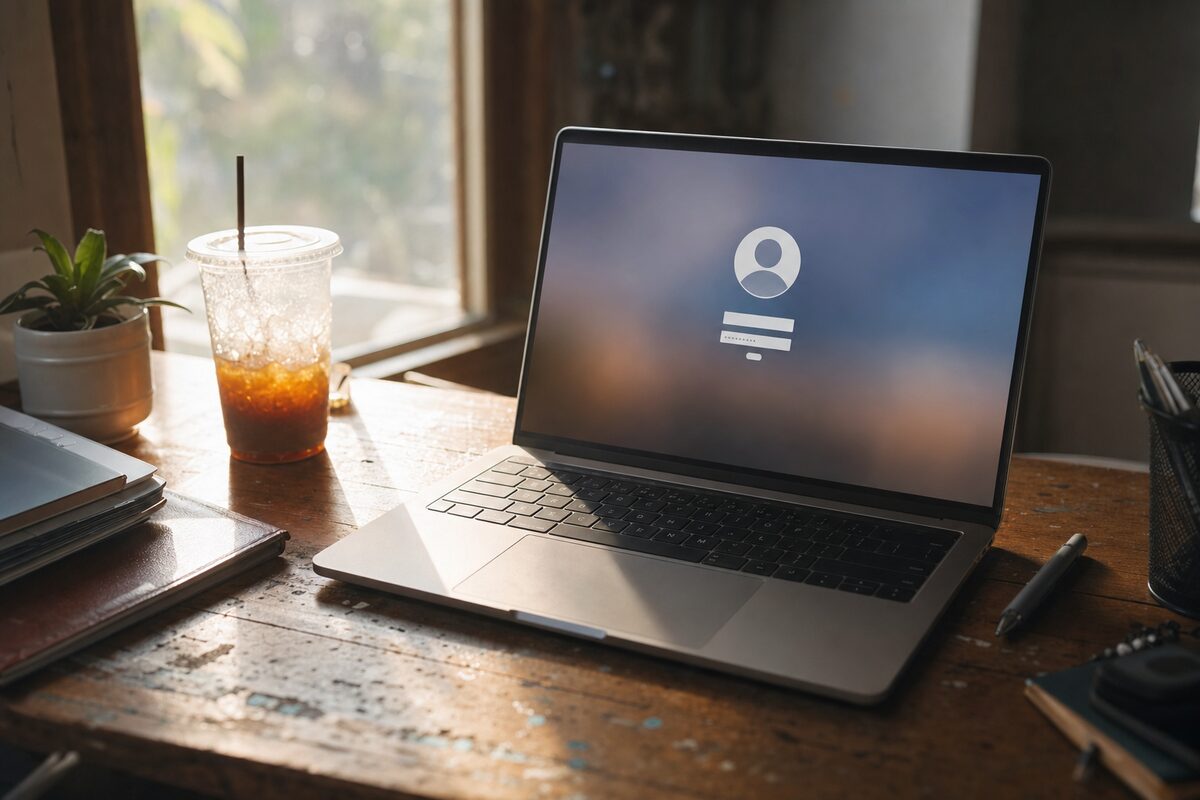
Margaret — not her real name — runs a small bookkeeping practice from home. She is methodical, careful, and has used the same Windows laptop every working day for nearly four years. She is not the sort of person who forgets passwords. So when she arrived one Monday morning explaining that her laptop was refusing to accept her login, there was genuine bafflement on both sides of the counter.
"I haven't changed anything," she said. "I haven't updated anything. I just closed the lid on Friday evening and when I opened it this morning, it wouldn't let me in."
She was right — she hadn't changed a thing. That was precisely what made it interesting.
What the customer thought was wrong
Margaret was convinced she had somehow forgotten her password over the weekend. She'd tried the obvious variations — her usual one with a capital letter, without a capital letter, with and without the number on the end. She'd tried it ten times on the login screen before Windows locked the account temporarily and told her to wait. After the lockout cleared she tried again, got it wrong again, and came straight to us.
Her working theory: her memory had done something strange. Possibly, she thought, she'd been half-asleep when she set it up and chosen something slightly different without realising. It happens — but it's rarer than people think, and something about the story didn't quite fit.
What we found when we looked
The first thing to establish was what kind of account she was logging into. This matters more than most people realise. Windows offers two fundamentally different account types: a local account (just a username and password stored on the machine itself) and a Microsoft account (where the password is linked to an email address managed by Microsoft's servers online).
Margaret's laptop was set up with a Microsoft account — as most modern Windows machines are, straight out of the box. That small detail changed everything.
We checked whether her Microsoft account password had been changed recently. It had. Not by Margaret — but the account had triggered an automatic security prompt after Microsoft detected a sign-in attempt from an unfamiliar location. Margaret had been visiting her daughter in Edinburgh that weekend and had quickly checked her Outlook email on her daughter's computer. Microsoft flagged this as a suspicious login from Scotland and, as part of its security response, had put a temporary hold on the account that effectively invalidated the cached password on her home laptop.
Margaret had received an email about it — to the very same Outlook address she could no longer easily access — and had missed it entirely.
How it was fixed
The fix itself was straightforward once the cause was clear. We used a second device to log into her Microsoft account through a browser, confirmed her identity via a backup phone number she'd set up years ago (and, thankfully, still used), cleared the security flag and reset the account to its normal state.
Back on the laptop, a fresh sign-in with her original password worked immediately. Total hands-on time: about twenty minutes. But without knowing where to look, she could have spent days resetting passwords, reinstalling Windows, or handing the machine over to someone who might have wiped it entirely — taking her files with it.
We also took a few minutes to set up a PIN for local login on her machine. A PIN in Windows is stored on the device itself and works even when the internet is down or Microsoft's servers are having a moment, which means this particular situation is far less likely to strand her again.
Why this happens more than you'd expect
Microsoft's account security is, on balance, a good thing. It protects people from genuine unauthorised access. But it creates a specific, frustrating failure mode: the laptop you use every day suddenly doesn't recognise you, for reasons that have nothing to do with anything you did on that laptop.
A few situations that can trigger it:
- Logging into your Microsoft account from a new device or an unfamiliar location
- Your account password being changed from another device (including on a phone)
- Microsoft detecting what it considers suspicious activity and locking the account
- A long period offline, after which the cached credentials expire
- An enforced password change — sometimes required by Microsoft periodically
In every case, the laptop is perfectly fine. The problem lives in the cloud, not in the machine — but the machine is the thing that stops working, which makes it feel like a hardware or software fault when it isn't.
The practical lesson
If you use Windows with a Microsoft account — and most people do — there are two simple things worth doing right now, before anything goes wrong.
- Make sure your Microsoft account has a recovery phone number attached to it. This is what gets you back in when the email address itself is the thing you're locked out of. You can check and update this at account.microsoft.com under Security settings.
- Set up a Windows Hello PIN. Go to Settings → Accounts → Sign-in options and add a PIN. It's four digits minimum, stored locally, and will let you into your laptop even if your Microsoft account is temporarily frozen.
Neither of these takes more than five minutes. Margaret now has both in place, and she knows that if she ever visits her daughter in Edinburgh again, her Monday morning will be considerably less stressful.
The bigger lesson is a gentle reminder that laptop problems aren't always what they appear to be. A login failure feels like a forgotten password or a broken machine. It can, in fact, be a cloud security system doing exactly what it was designed to do — just without telling you in a way you'd notice in time.
When in doubt, bring it in before you start resetting things. Resetting the wrong thing can cause far more trouble than the original problem ever did.