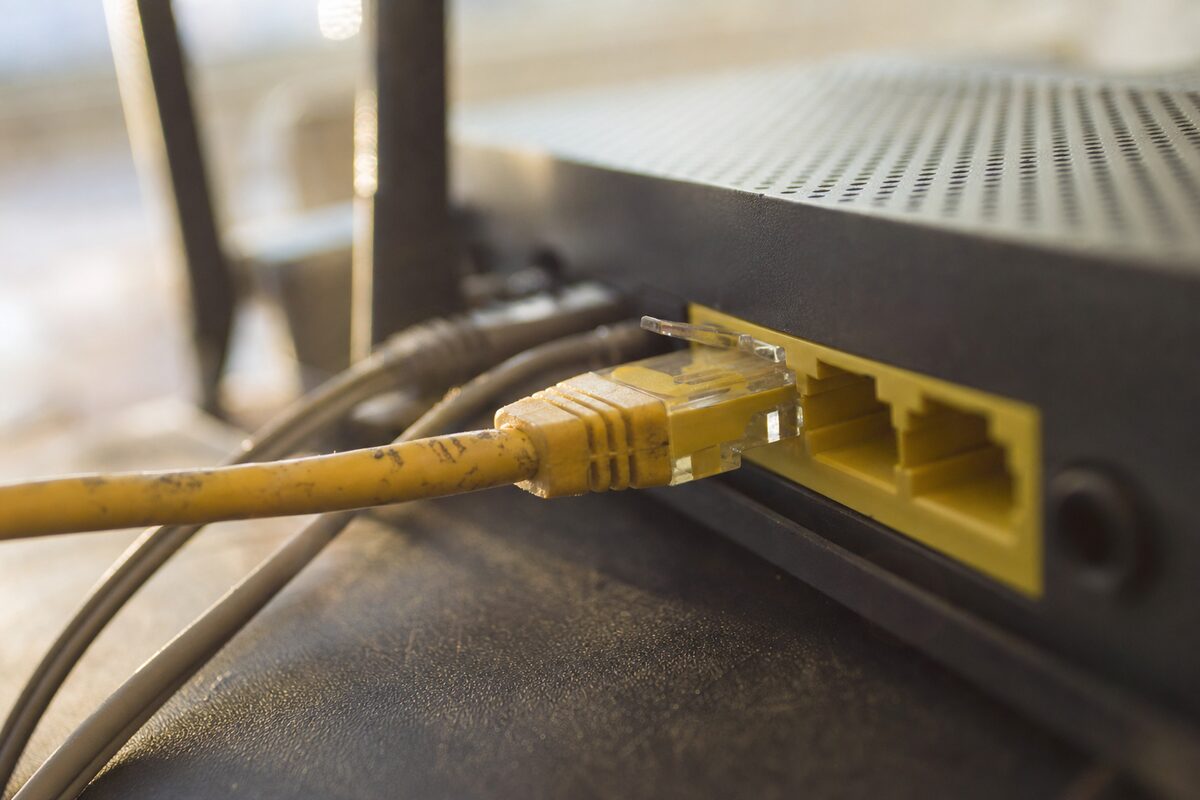
It comes up more often than you'd think. Someone brings in a PC or laptop, convinced the network card is dying, or the router is on its last legs, or Windows has somehow broken itself. We run through the diagnostics, everything checks out — and then we swap the ethernet cable. Suddenly: full speed, rock-solid connection, no drops.
The customer almost always says the same thing: "But the cable was fine."
The honest answer is that ethernet cables fail in ways that are genuinely difficult to notice. They don't snap dramatically. They don't go obviously dead. They degrade — slowly, quietly, and in ways that look suspiciously like a dozen other problems.
Why Ethernet Cables Fail Without Looking Broken
Inside a typical ethernet cable there are eight thin copper wires twisted into four pairs. Bend the cable sharply enough — around a skirting board, under a door, or just left coiled tightly for years — and those internal wires can fracture while the outer plastic sleeve stays perfectly intact. You can flex it, it feels fine, it looks fine. But somewhere inside, one or two of those wires have a hairline break that opens and closes depending on how the cable is lying.
The result isn't always a complete dropout. More often you get:
- A connection that falls back to 100 Mbps instead of Gigabit speed — sometimes throttling a 500 Mbps broadband line down to a fraction of what you're paying for
- Intermittent disconnections that last a second or two, just long enough to drop a video call or interrupt a file transfer
- High packet loss — your data is getting through, but chunks of it are having to be re-sent, which makes everything feel sluggish and laggy
- A connection that works fine until someone walks past and nudges the cable
None of these symptoms point neatly at the cable. They point at the router, at the ISP, at the network driver, at Windows. Which is exactly why the cable gets ignored.
The Speed Test That Gives It Away
Here's a quick check worth doing if your wired connection has been misbehaving. Run a speed test over ethernet — something like fast.com or Speedtest.net — and note the result. Then unplug the cable, connect to Wi-Fi instead, and run the same test again.
If your Wi-Fi result is faster than your wired result, something is wrong with your wired setup. It might be the cable, it might be the port on the router, it might be the network adapter — but a wired connection should always be at least as fast as Wi-Fi, and usually faster. If it isn't, start with the cheapest possible fix: replace the cable.
A decent Cat 5e or Cat 6 ethernet cable costs between £3 and £8 at any electronics shop or online. It is, without question, the most cost-effective first step in any network troubleshooting job.
The Connector Is Usually the Weak Point
Even on cables that haven't been bent or coiled roughly, the plastic RJ45 connector at each end takes a lot of stress. Every time you plug and unplug it, the gold-plated contacts inside wear slightly. Cheap cables — the kind that come bundled free with routers — often have connectors that are crimped loosely from the factory. After a few years, the contact can become intermittent without you ever knowing.
A simple test: with the cable plugged in at both ends, gently wiggle just the connector where it enters your PC or router. If the connection drops, flickers, or your speeds change, the connector is the culprit. At that point the cable is scrap — there's no good way to repair a dodgy RJ45 crimp at home without specialist tools.
Not All Ethernet Cables Are Equal
This surprises a lot of people. Ethernet cables are categorised — Cat 5, Cat 5e, Cat 6, Cat 6a, and so on — and the category determines the maximum speed and the distance they'll reliably carry a signal.
For most home and small-office use, here's what you need to know:
- Cat 5 — ancient, limited to 100 Mbps. If you find one of these in a drawer, recycle it.
- Cat 5e — fine for Gigabit speeds over typical home distances (up to about 100 metres). Perfectly adequate for most people.
- Cat 6 — better shielding, handles Gigabit very comfortably and is ready for multi-Gigabit if your kit ever catches up. Worth buying if you're running a new cable.
- Cat 6a and above — overkill for home use, but no harm if the price is right.
The other thing to watch: very long, very cheap cables — especially the ultra-thin "flat" cables sold for running under carpets — often don't meet the spec printed on the packet. If you've run a 15-metre flat cable under the living room carpet and your connection is flaky, that cable is a reasonable suspect.
A Quick Checklist Before You Call Anyone
If your wired internet is slow, dropping, or unreliable, work through these before assuming the worst:
- Swap the ethernet cable for a known-good one — even a short one just for testing purposes
- Try a different port on your router or switch
- Try a different ethernet port on your PC or laptop if it has more than one (some desktops do)
- Restart the router and the computer
- Check Device Manager (on Windows) for any yellow warning icons next to the network adapter
If you've done all of that and the problem persists, it's starting to look like the network adapter, the router port, or a driver issue — and that's when it's worth getting a second pair of eyes on it.
The Practical Takeaway
Keep one spare ethernet cable somewhere sensible. A two-metre Cat 6 cable costs less than a coffee and will last you years. When something on your network starts misbehaving, the cable is always worth swapping first — before you spend an afternoon troubleshooting everything else, before you ring your ISP and sit on hold, and definitely before you buy a new router.
The number of hours we've seen people lose to a problem a £5 cable would have fixed in thirty seconds is, frankly, remarkable. Don't be that person. Buy the spare cable.