Most people we speak to have exactly the same relationship with backing up their computer: they know they should do it, they fully intend to do it, and they haven't done it since sometime in 2021 — if ever. Then something goes wrong, and those files are just gone.
So when a customer asks us what we'd actually recommend for a simple, reliable home or small-business backup, one device comes up more than any other: the WD My Passport portable hard drive. The current 2TB model sits at around £89. Here's an honest look at what you get for your money.
What It Actually Is
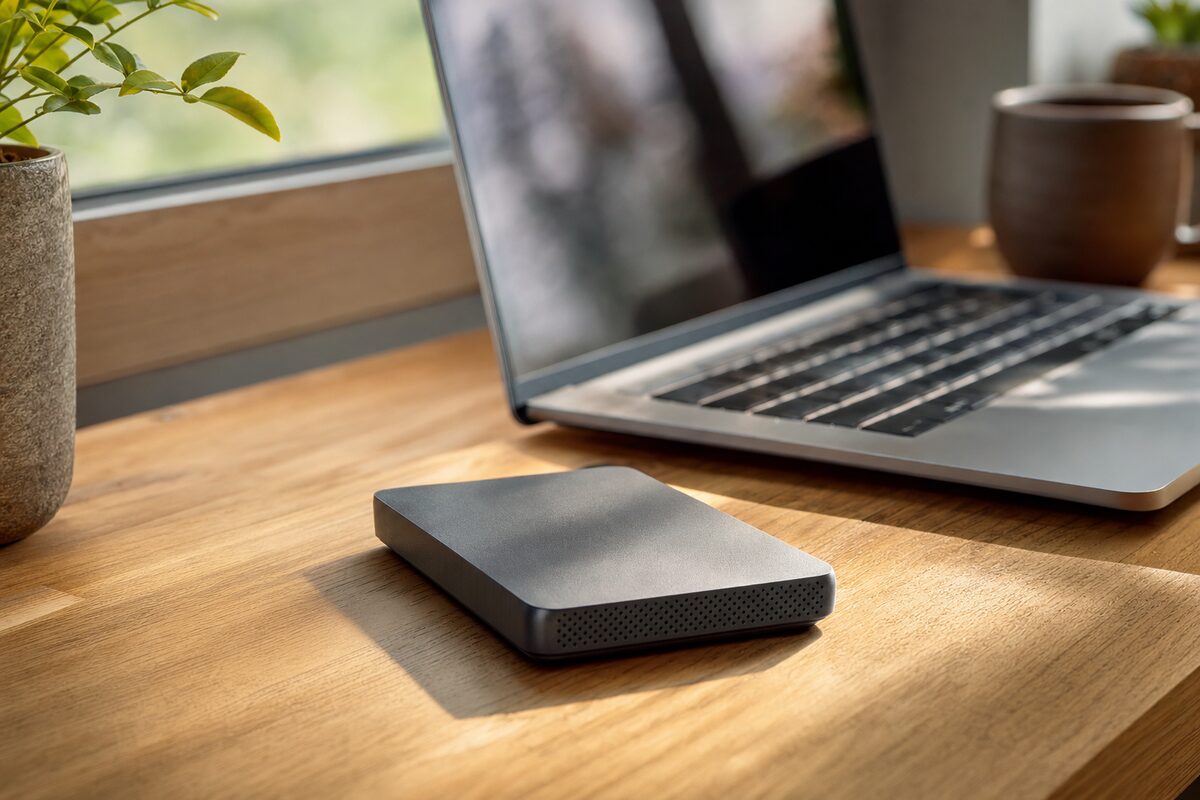
The WD My Passport is a compact external hard drive — roughly the size of a small paperback book, light enough to toss in a bag. You plug it into a USB port on your laptop or PC, and it shows up like any other drive. That's it. No power cable needed; it draws everything it needs from your USB connection.
It comes in several capacities, but the 2TB version hits a sensible sweet spot for most home users — that's enough space for:
- Your entire Documents, Photos and Desktop folders, several times over
- A full Windows or macOS system backup
- Years of video footage or music libraries
- Spare room to grow into for a good while yet
Western Digital are one of the longest-established storage manufacturers in the world, and the My Passport range has been a consistent fixture in that lineup for well over a decade. That history counts for something.
The Thing That Makes It Actually Useful: Automatic Backup
Here's where it earns its place. The drive ships with WD's own backup software, which you can set up in about five minutes. Tell it which folders to watch, tell it how often to back up, and walk away. Every time you plug the drive in, it quietly does its job in the background — no reminders, no fuss, no relying on your memory.
If you're a Windows user, it also works seamlessly with Windows' built-in File History feature, which is arguably even simpler. Mac users will recognise it immediately as a perfect Time Machine drive — macOS will ask you the moment you plug it in whether you'd like to use it for Time Machine, and from that point on the whole thing is effectively invisible. It just works.
This matters enormously. The single biggest reason people lose data isn't because they don't have a backup drive — it's because the backup drive is sitting in a drawer and nobody has plugged it in for eight months. Automatic backups solve that problem quietly and completely.
What's Good
Beyond the automatic backup capability, there's a lot to like here:
- Build quality: It feels solid and well-made. The rubberised casing offers a little more knock resistance than purely plastic drives.
- Compatibility: Works with Windows and Mac straight out of the box (though you may need to reformat it for Mac-only use — a one-minute job).
- Portability: Light and bus-powered, so it goes wherever your laptop goes. Useful if you work between home and an office.
- Password protection: Optional hardware encryption comes built in, which is reassuring if the drive is ever in a bag that goes walkabout.
- Price: £89 for 2TB is genuinely good value at time of writing. You can find cheaper drives, but not from names with this track record at this price.
What's Not So Good
It would be dishonest not to flag the limitations, and there are a few worth knowing about.
First, it's a traditional spinning hard drive, not a solid-state drive (SSD). That means it's more sensitive to knocks and drops than an SSD equivalent would be. If you're regularly chucking it in a bag with keys and cables, do treat it gently — a physical shock to a spinning drive while it's reading or writing data can cause real damage. If you need something more robust for travel, consider a portable SSD instead (we've covered a few on our recommended gear page).
Second, the included WD backup software is functional but not beautiful. It does the job, but it's not the most polished piece of software you'll ever use. For most people, using Windows File History or macOS Time Machine instead is a better experience altogether.
Third — and this applies to any single backup drive — one copy is better than nothing, but it's not a complete backup strategy. If the drive fails (and all drives fail eventually), or is in the same bag as your laptop when it's stolen, you've lost both copies at once. For anything that truly matters, consider pairing this drive with a cloud backup service as well. Belts and braces.
Who Is It Actually For?
The WD My Passport 2TB is ideal for:
- Home users who want a simple, plug-in-and-forget backup for their laptop or desktop
- Small businesses needing a local backup for a single workstation or a travelling employee
- Anyone who currently has no backup at all — this is a massive upgrade from nothing
- Mac users wanting a dedicated Time Machine drive without paying Apple prices
It's less ideal for people backing up multiple machines across a network (you'd want a NAS for that), or anyone who needs the extra resilience of a solid-state portable drive for genuinely rough handling.
Honest Verdict
If you've been meaning to sort out a backup for your computer and haven't got around to it, this drive removes most of the excuses. It's affordable, reliable for everyday home use, works automatically with both Windows and Mac, and comes from a manufacturer that's been making storage drives since before most of us had heard of one.
It won't last forever — no hard drive does — and it shouldn't be your only copy of anything truly irreplaceable. But as the cornerstone of a sensible backup habit, at under £90, it's one of the most straightforward recommendations we make.
If you're not sure where your files currently live, or you've had a drive fail and need help with data recovery, that's something we deal with regularly. And if you're wondering whether your current laptop or PC is even worth backing up to in its present state, our PC repairs and laptop repairs teams are always happy to take a look first.