Most people know they should back up their files. Very few actually do — not because they're careless, but because every solution they've tried has involved either too much effort or too much trust in a cloud subscription they don't fully understand. So when something comes along that genuinely makes regular backups feel effortless, it's worth taking a proper look at it.
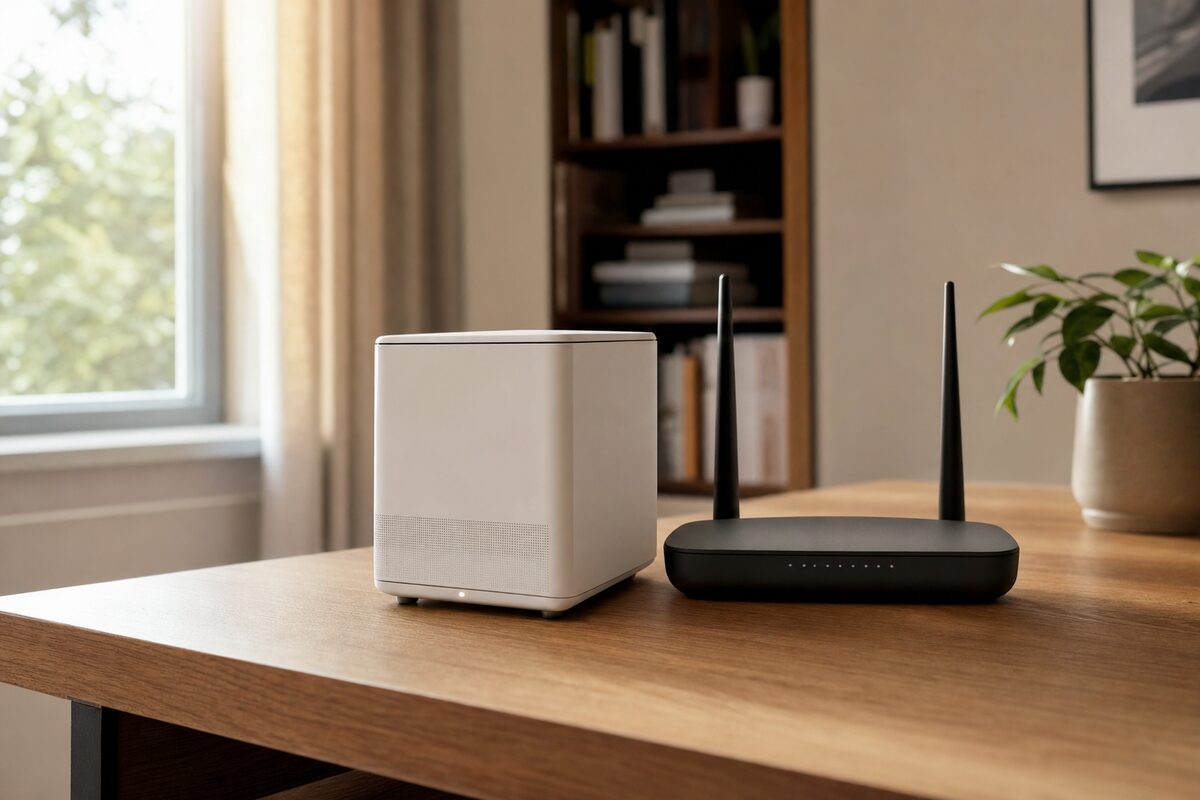
The WD My Cloud Home (2 TB version, currently around £89 new, often less second-hand) is a compact personal NAS — a little box you plug into your router that acts as a private cloud drive sitting in your home or office. Every device on your network can back up to it automatically, without you doing anything after the initial setup. That's the pitch. Here's the honest version.
Who Is This Actually For?
The WD My Cloud Home is best suited to:
- Households with two or more computers — it's genuinely where this device shines, letting everyone back up to one central place without tripping over each other's files.
- Small home offices that want a private backup not dependent on a monthly subscription or a decent internet connection.
- People who've had a scare — a near-miss with a failing drive, a corrupted file, an accidental deletion — and want something that works quietly in the background without nagging them.
- Families with a lot of photos and videos that are currently living only on phones or laptops.
It is not aimed at power users who want fine-grained control over their backup schedules, or small businesses that need proper RAID redundancy and remote management. For that, you'd want to look at something like a Synology DS223, which is a step up in both price and capability.
What It Does Well
Setup is genuinely straightforward. Plug it into the router, connect the power, download the WD app, and you're done inside fifteen minutes. The app works on Windows, Mac, iOS and Android, and the automatic backup feature — called WD Backup on PC — runs quietly in the background on a schedule you set once and then forget about.
The build quality is solid for the price. It's small enough to tuck behind a router or sit on a shelf without being an eyesore, runs cool and quiet, and Western Digital's drives have a reasonable reliability reputation. It also doubles as a media server — if you have a Smart TV or use Plex, it can stream video directly to your television without the files ever leaving your house.
Remote access works reasonably well too. Through the app, you can reach your files from anywhere — handy if you're away and need something you forgot to bring. It routes through WD's servers to do this, which some people are fine with and others aren't (more on that below).
Where It Falls Short
A few things are worth knowing before you buy.
It's a single drive. The My Cloud Home contains one hard drive with no redundancy. That means if the drive itself fails — which all drives do, eventually — you lose everything on it. This is the most important caveat. It's a great backup target for your computers, but it shouldn't be your only backup. The classic rule is 3-2-1 backups: three copies, on two different types of media, with one off-site. The My Cloud Home covers the "2" part nicely; you still want a copy elsewhere.
The software is functional but not elegant. The WD app has improved over the years but it's still clunkier than it could be. Some users find the auto-backup configuration a bit buried, and the mobile app occasionally needs nudging after a phone OS update. Nothing that breaks the experience, but it's not Apple-polished.
Remote access requires a WD account. If you'd prefer your files stay entirely private — no involvement from any company's servers — the My Cloud Home isn't quite the right fit. You can still use it purely locally, but remote access leans on WD's cloud infrastructure.
Speed is fine over Wi-Fi, faster over wired. If you're doing your first big backup of hundreds of gigabytes, plug the computer in via Ethernet if you can. Wi-Fi works for ongoing incremental backups; the initial dump can take a while wirelessly.
Honest Verdict
For around £89, the WD My Cloud Home does something genuinely useful: it makes backing up multiple computers in one household completely automatic, without a subscription, without depending on internet speed, and without asking anyone to remember to do anything. That alone puts it ahead of most people's current backup arrangement, which is usually "nothing."
If you've got one computer and you're happy using an external hard drive or a cloud service, you probably don't need this. But if you've got a household or small office with several machines and a pile of files that only exist in one place, this is an excellent, affordable fix — as long as you understand it's one layer of protection, not a complete solution by itself.
We'd pair it with either an occasional copy to an external drive kept off-site (a drawer at work, a relative's house), or a basic cloud backup for your most important documents. That combination gives you genuine peace of mind for well under £150 total.
You can find this and other devices we've tested and trust on our recommended kit page. And if you've had a drive fail and need help with what comes next, our data recovery service is here — though we'd far rather help you set up a proper backup before that happens.