You've probably heard the advice a hundred times: back your files up. Maybe you've even done something about it — a USB hard drive stuffed in a drawer, a folder on OneDrive that hasn't been checked in two years, or a vague plan to sort it out properly "soon". What you probably haven't done is set up a device that backs up quietly, automatically, every night, without you touching it. That's exactly what a home NAS (Network Attached Storage) drive promises to do. But does the WD My Cloud Home — currently around £85 for the 2 TB model — actually deliver? Let's be honest about it.
What It Is (and Isn't)
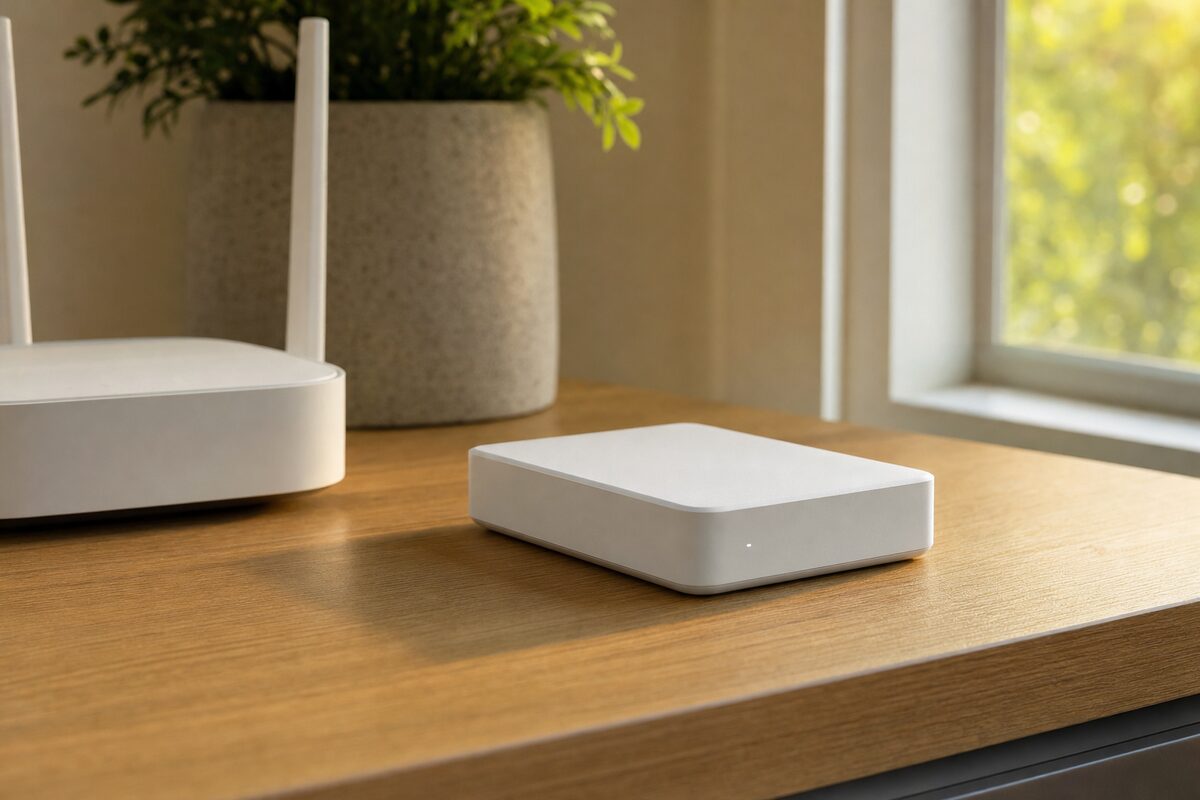
The WD My Cloud Home is a small white box, roughly the size of a chunky paperback novel, that plugs into your router via an ethernet cable. Once it's set up, it appears as a shared drive on every computer and device on your home or small-office network. You can also reach it remotely — from a laptop in a coffee shop or a phone on a train — using the WD My Cloud app.
It's worth being clear: this is not the same as a full NAS device like a Synology or QNAP. Those are more powerful, more configurable, and considerably more expensive. The My Cloud Home is aimed squarely at home users and very small businesses who want simple, always-on storage without a learning curve. If you want to run Plex, manage multiple drives with RAID, or set up complex user permissions, look elsewhere. But if you just want a reliable place to park your files and know they're being looked after, read on.
Who It's Actually For
This device suits you well if you fall into one of these camps:
- You have a laptop or desktop with years of photos, documents and videos and you rely entirely on the internal drive — which is one bad drop or one failing component away from being gone for good
- You run a small business from home and want a local copy of important files that you control, not just a cloud service
- You share a house with family members who all need somewhere to store their stuff, without paying monthly cloud fees per person
- You've already had a scare — a near-miss with a failing drive, a stolen laptop, a corrupted backup — and you want something that just works without you thinking about it
It is not a great fit if you need fast transfer speeds for large video editing projects, or if you want something you can fully control and customise. It's a consumer product, and it behaves like one.
What's Genuinely Good About It
Setup is remarkably painless. Plug it in, download the app, follow three steps, done. Most people are up and running in under ten minutes — and that matters, because complicated setup is why most backup drives end up unused.
The automatic backup feature for mobile devices is particularly useful. Install the app on your phone and it'll quietly back up your camera roll over Wi-Fi whenever you're at home. If you've ever lost a phone and lost the photos with it, you'll know exactly why this is valuable.
Remote access works reliably in our experience. The WD app is clean and straightforward — you can browse, download and share files from anywhere. It's not fancy, but it does what it says.
Build quality is solid for the price. The drive inside is a standard WD Red or Blue depending on the model, the same type WD sells for NAS use in more expensive setups. It runs quietly and doesn't run particularly hot.
And then there's the price. At around £85 for 2 TB, you're paying less than most people spend on a decent external hard drive — but getting something that lives on your network and backs up automatically rather than sitting in a drawer.
What's Not So Good
The honest bit. A few things worth knowing before you buy:
- It's a single drive. There's no redundancy built in. If the drive inside fails, your data is at risk — and drives do fail. This means the My Cloud Home should be part of your backup strategy, not the whole of it. Keep an offsite copy too, whether that's cloud storage or an occasional copy to an external drive kept somewhere else
- WD has had cloud service issues in the past. In 2021, a serious vulnerability in an older WD My Cloud product allowed remote wiping of data. WD has since improved security significantly, and the My Cloud Home is a different product — but it's worth knowing the history, keeping firmware updated, and not relying on remote access as a primary feature
- It only connects by ethernet. No Wi-Fi on the device itself, which is actually better for reliability — but it does mean it needs to sit near your router
- The desktop software is basic. Mac users especially may find it a little clunky. It works, but it's not polished
None of these are dealbreakers for the right user — but they're worth knowing. If any of the above concern you, a look at our recommended kit page might point you toward alternatives that suit you better.
The Honest Verdict
For a home user or sole trader who currently has no proper backup in place, the WD My Cloud Home is a sensible, affordable step in the right direction. It's genuinely easy to set up, it runs quietly in the background, and it solves the most common problem we see at our data recovery workbench — people who had no backup at all when their drive died.
Just don't treat it as a complete solution on its own. A good backup follows the 3-2-1 rule: three copies of your data, on two different types of media, with one stored offsite (or in the cloud). The My Cloud Home handles the "always-on local copy" part of that beautifully. The rest is still up to you.
If you're unsure whether a device like this fits your setup — or you want to know what a sensible backup strategy actually looks like for your household or small business — it's genuinely worth a conversation before you spend anything.