Most people in the UK own more than one computer. There's the family laptop on the kitchen table, maybe a desktop in the study, a partner's work machine, perhaps an old MacBook the kids use for homework. Each one full of photos, documents, and files that nobody has backed up properly — because, honestly, who has time to plug in a different drive for every single machine?
That's the problem a personal NAS drive solves. And once you understand what one actually does, it's hard not to wonder why you didn't get one sooner.
So What Exactly Is a NAS Drive?
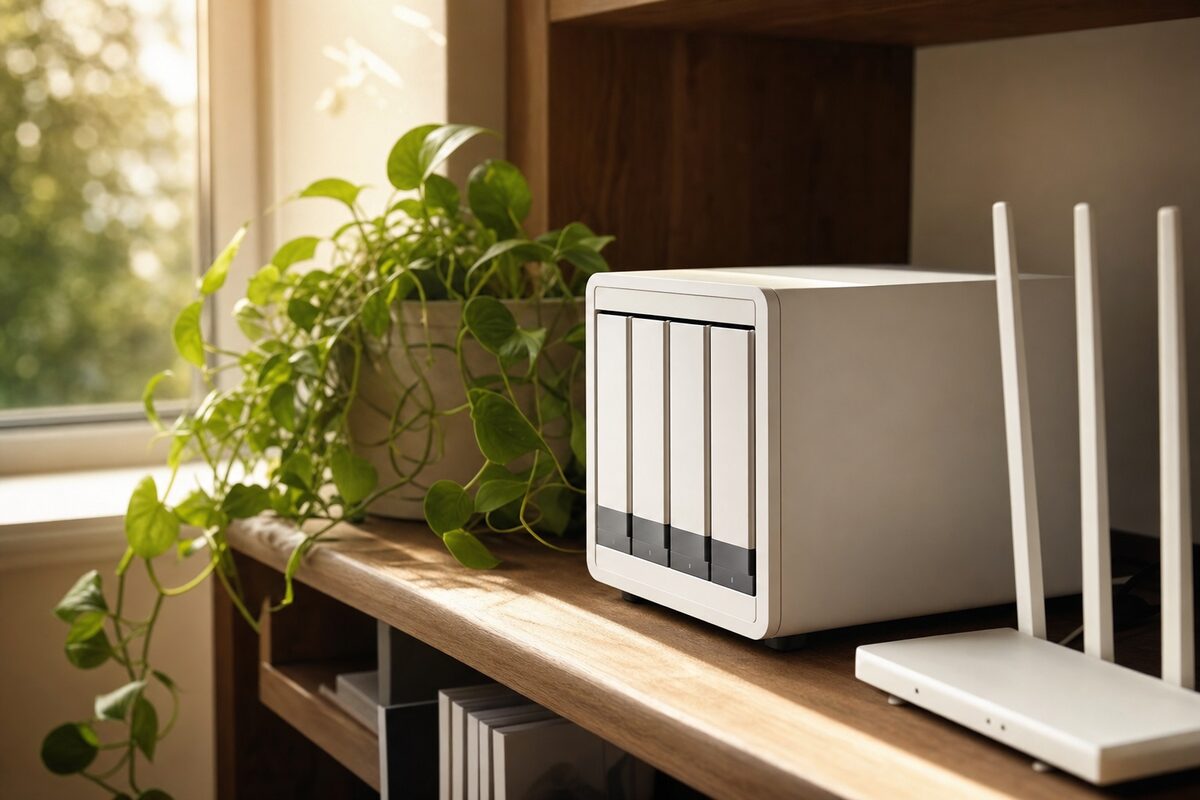
NAS stands for Network Attached Storage. Ignore the jargon — in practice, it's a small box you plug into your router with a cable, pop one or two hard drives inside, and it sits there on your shelf doing almost nothing visible. But behind the scenes, every computer and phone on your home network can see it, save to it, and back up to it automatically.
Think of it as a shared hard drive that lives on your network rather than being plugged into any single machine. You don't need to remember to back up. You don't need to swap cables. It just happens.
The device we're recommending here is the Synology DiskStation DS223j, loaded with a single 4TB Western Digital Red Plus drive. Total cost at time of writing: around £80–£90 for the unit plus roughly £65–£75 for the drive — so call it £150–£165 all in. For two drives in a mirrored setup (so your data is duplicated for extra safety), double the drive cost. Either way, it's significantly cheaper than losing several years of family photos.
Who Is This Actually For?
Not everyone needs a NAS. Here's an honest breakdown of who benefits most:
- Families with two or more computers — backing up each one separately is tedious; this solves that in one go.
- Home workers and freelancers — if your livelihood depends on files sitting on a single laptop, a NAS gives you a safety net without relying entirely on cloud storage.
- Small businesses with a handful of staff — a NAS can act as a simple shared file server, so everyone accesses the same folder without emailing documents back and forth.
- Anyone who's already lost data once — if you've had a hard drive fail or a laptop stolen and lost files, you'll understand immediately why this matters.
If you only have one computer and you're happy using an external USB drive or a cloud service like OneDrive, a NAS is probably more than you need. A good USB backup drive — like the ones we list on our recommended kit page — may suit you better.
What's Good About the Synology DS223j
The honest answer is: almost everything, for its price.
The setup is genuinely manageable for a non-technical person. Synology's software (called DiskStation Manager, or DSM) runs through a web browser and walks you through the process step by step. Within an hour of unboxing, most people have it up and running.
The built-in backup software, called Hyper Backup, lets you schedule automatic backups from any Windows PC or Mac on your network — set it once and forget it. There's also a perfectly decent mobile app so you can access your files remotely if you need to.
The DS223j runs quietly, uses very little electricity (around 5–8 watts when idle), and Synology have a strong track record of keeping their software updated for years after purchase. That last point matters more than people realise — a NAS you bought in 2018 from a lesser-known brand may no longer receive security patches. Synology's devices still do.
What's Not So Good
A few honest caveats worth knowing before you buy:
- It takes some setting up. It's not plug-and-play in the way a simple USB drive is. Most confident home users will manage, but if technology isn't your thing, it's worth asking someone to help you get it configured properly the first time.
- It's not a complete backup strategy on its own. The golden rule is the 3-2-1 rule: three copies of your data, on two different types of storage, with one copy off-site. A NAS covers the "on your network" part brilliantly, but you should still have something off-site — whether that's a cloud backup or a drive kept at a relative's house.
- The DS223j is not the fastest NAS on the market. For large video files or lots of simultaneous users, you'd want to step up to the DS224+ (roughly £100 more). For home backup use, the DS223j's speed is perfectly fine.
- The drives aren't included. This surprises some buyers. The DS223j is just the enclosure — you purchase the hard drives separately. Use NAS-rated drives (Western Digital Red or Seagate IronWolf), not standard desktop drives, which aren't designed to run 24/7.
A Word on Data Recovery — and Why Backup Matters So Much
We see the consequences of not backing up regularly. Data recovery is possible in many cases when a drive fails, but it isn't cheap, it isn't guaranteed, and it's always stressful. A NAS drive running quietly on your shelf costs less than a single data recovery job — and it protects you indefinitely.
Even if you have a NAS, do make sure your backups are actually running. It sounds obvious, but it's worth checking every few months that the scheduled job is completing successfully. A backup that silently failed six months ago is not a backup.
The Honest Verdict
The Synology DS223j with a 4TB NAS drive is one of the most practical purchases a multi-computer household or small business can make. It's not glamorous, it won't impress anyone at dinner, and you'll probably forget it's there — which is exactly the point. The day you need it, you'll be very glad it's sitting there.
If you've been meaning to sort out a proper backup for ages and keep putting it off because it feels complicated, this is the device that makes it genuinely easy to maintain. Just make sure you pair it with at least one off-site copy of anything truly irreplaceable.
We'd rate it 9 out of 10 for home and small-business users. The missing point is purely for the initial setup hurdle — but that's a one-time thing, and we're happy to help with that if you need it.