Most people have a backup plan. It goes something like this: "I'll sort that out at the weekend." Weeks pass. Something bad happens. The weekend never comes.
If that sounds familiar, you're not alone — it's one of the most common things we hear before someone walks in needing data recovery. And data recovery, even when it works, is expensive, stressful, and not always successful.
So when someone asks us what we'd actually recommend for backing up a whole household or small office — not just one laptop — we keep coming back to the same answer: a basic NAS drive. Specifically, something like the Western Digital My Cloud Home or the entry-level Synology DS124 with a single hard drive inside.
Neither is glamorous. But both do something that a simple USB drive sitting in a drawer simply cannot: they back things up automatically, for every device, without you having to remember to do anything.
What Is a NAS Drive, and Why Does It Feel Like Magic?
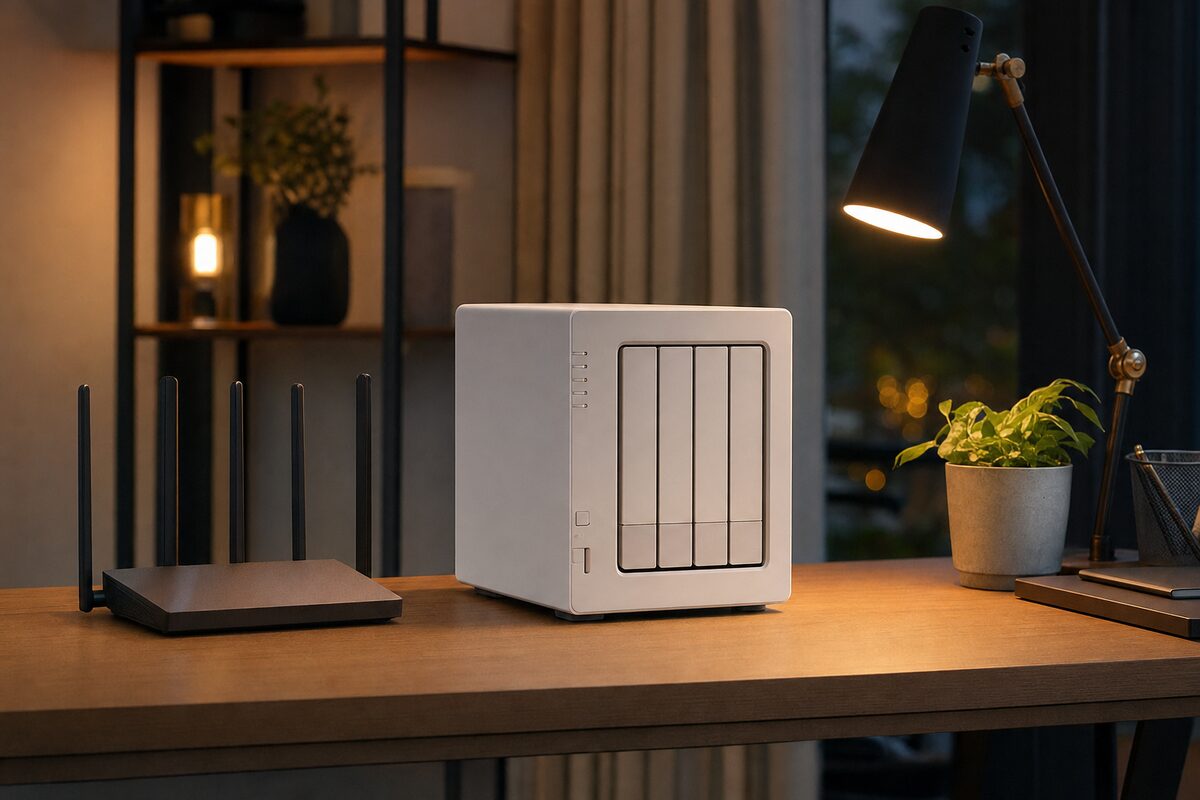
NAS stands for Network Attached Storage — which sounds complicated, but the idea is simple. It's a small box you plug into your router with a regular network cable. Once it's set up, every device on your home or office Wi-Fi can see it as a shared drive. Your laptop, your partner's laptop, your phone, your desktop PC — all backing up to one central place.
Think of it as a private cloud that lives in your house rather than on a server somewhere in America. Your files stay on your property, under your control, and you don't pay a monthly subscription fee to access them.
The Western Digital My Cloud Home (around £55 for the diskless enclosure, or from around £90 with a 2TB drive pre-installed) is probably the most approachable option for home users. Setup genuinely takes about ten minutes. The Synology DS124 (around £80 for the enclosure alone) is a step up in flexibility — better software, more configuration options — and is the one we'd point a small business towards.
Who It's Actually For
A NAS is a brilliant fit for:
- Families with more than one computer. Instead of three different USB drives in three different drawers, everything goes to one place.
- Anyone who shoots a lot of photos or video. Your phone can back up automatically over Wi-Fi every night — no cables, no faff.
- Small offices with two to five computers. A Synology with a decent hard drive is a proper shared file server and backup solution for a fraction of what cloud storage costs at that scale.
- People who've already lost files once. Once you've been through that, you take this stuff seriously.
It's less ideal if you live alone, only use one laptop, and don't generate many files. In that case, a good external SSD and a free cloud backup tier is probably simpler and cheaper.
What's Good
The headline advantage — automatic, hands-off backups — is real. Once you've pointed your devices at it, you genuinely stop thinking about it. That's exactly what a good backup solution should do.
Storage is cheap at this level. A 4TB internal hard drive (the type that goes inside a NAS enclosure) costs around £70–£90. That's a lot of space for a one-off payment, with no ongoing subscription.
The Synology software in particular is surprisingly capable. It can send you an email if it detects a drive problem, schedule snapshots of your files, and even run a basic media server so your TV can browse your photos or films directly.
And unlike cloud storage, there's no speed limit on restoring your files. Pulling 50GB of photos back off a NAS over your home network takes minutes. Pulling 50GB back from a cloud service can take the better part of a day.
What's Not So Good
Let's be honest about the downsides, because they're real.
- Setup takes a little patience. The WD My Cloud Home is simpler, but the Synology in particular has a learning curve. It's not plug-and-play for everyone.
- The drives inside can still fail. A NAS with a single drive is better than no backup — but it's not infallible. If the drive inside fails, you could still lose data. For serious peace of mind, a two-bay NAS with mirrored drives (RAID 1) is the proper answer, though that costs more.
- It's on your home network. If your house burned down or was burgled, the NAS goes with everything else. For truly important data, pairing it with an offsite or cloud backup as well is the gold standard.
- It needs to stay plugged in and powered on. It draws very little power — roughly the same as a phone charger — but it does need to be running to be useful.
Our Honest Verdict
For most families and small offices, an entry-level NAS is one of the most sensible technology purchases you can make. It's not exciting. It won't make your laptop faster or your Wi-Fi stronger. But it sits quietly in the background doing something genuinely important — and the day something goes wrong with a computer, it earns back its purchase price many times over.
If you want the simplest possible experience, the WD My Cloud Home is hard to beat at the price. If you want something more capable and future-proof, the Synology DS124 with a single Seagate IronWolf or WD Red drive inside is our go-to recommendation.
Either way: whatever you buy, set it up this weekend. Don't let it sit in a box for three months. Future you will be very glad you didn't.
If you're not sure which option suits your setup — or you'd like someone to configure it properly so it actually works — we're always happy to help at Advantec Computing. Sometimes it's worth an hour of someone's time to know it's all running correctly, rather than discovering six months later that it wasn't backing up at all.