Most people don't realise their internet goes down in a power cut until it actually happens — usually at the worst possible moment. You're on a video call, or you're working from home, or the kids are mid-way through something they'll never let you forget. The lights flick off, come straight back on, and you breathe a sigh of relief. Then you notice the router is rebooting. And it takes three minutes. And the call is gone.
The fix for this turns out to be surprisingly simple, surprisingly cheap, and almost nobody knows it exists.
What Is a Mini-UPS — and Why Is It Different?
You might already know about UPS units — those chunky battery boxes that sit under a desk and keep a desktop PC running through a power cut. They're excellent, but they're also big, heavy, and overkill if all you want to protect is your router and maybe a fibre ONT (that small white box your broadband provider installs on the wall).
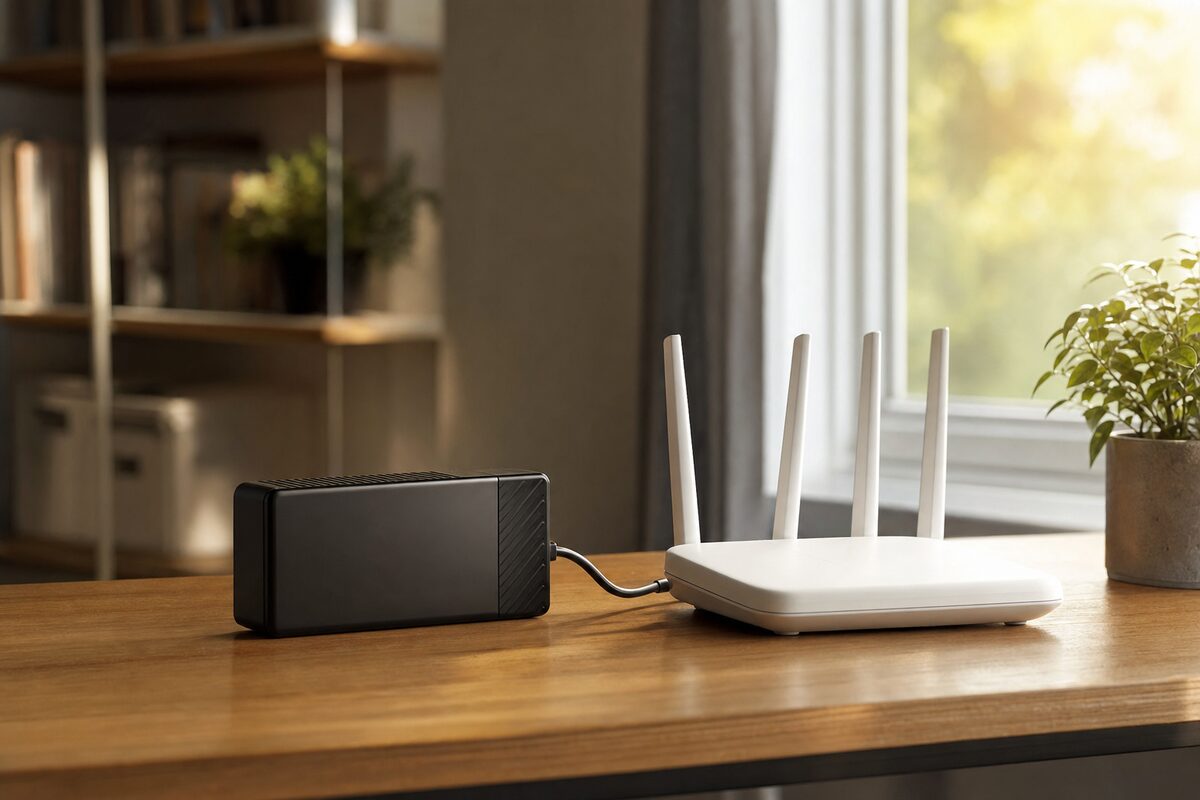
A mini-UPS — sometimes sold as a "DC UPS" or "router UPS" — is a completely different animal. It's roughly the size of a thick paperback book. It plugs into the mains, charges a small internal battery, and passes power straight through to whatever's plugged into it — your router, your ONT, a small switch, or any combination of low-powered devices. The moment mains power drops, it switches to battery in milliseconds — fast enough that your router never even notices.
The model we've been recommending lately is the Hasthip DC Mini UPS (various similar models float around on Amazon between £40 and £55 — look for one with a 10,000–20,000 mAh battery and multiple DC output voltages). At around £49, it's an impulse buy that actually earns its keep.
Who Actually Needs One of These?
The honest answer: more people than you'd think. Here's a simple way to tell if you'd benefit:
- You work from home, even occasionally — a dropped video call or a lost VPN session costs you time and credibility.
- You're in a rural area with slightly flaky mains power — Kent's older villages aren't immune to brief cuts and dips.
- You have a full-fibre (FTTP) connection — ironically, full-fibre broadband is more vulnerable to power cuts than old copper ADSL, because the ONT on your wall needs power to function. Old-style copper lines could carry a trickle of power from the exchange; fibre cannot.
- You run a small business from home or have a till, a card reader, or a booking system that depends on connectivity.
- You have smart home devices that throw a tantrum every time the router reboots — and take twenty minutes to rediscover each other.
If none of those apply to you and your power is rock solid, you might be fine without one. But if even one rings a bell, read on.
What's Actually Good About It
The headline feature is the switchover speed. Unlike a full-sized UPS (which can still have a small gap in power delivery), a good DC mini-UPS is effectively instantaneous — the router sees no interruption at all. It just keeps running.
Runtime is genuinely useful. A typical home router draws somewhere between 8 and 15 watts. A 10,000 mAh mini-UPS can keep a modest router going for four to six hours on battery alone. You're not going to run your office through a day-long outage on this thing, but for the brief cuts and brownouts that are most common, it's more than enough.
Setup is completely painless. You identify the output voltage your router needs (it's printed on the plug or the router's label — usually 12V), select the matching DC output on the mini-UPS, plug in the supplied cable, and you're done. Most routers and ONTs are supported. There's no software, no configuration, no ongoing maintenance.
It's also small enough to sit neatly behind your router or Velcro to the wall beside it. Nobody will notice it's there — until a power cut hits and their Wi-Fi keeps working.
What's Not So Good
Let's be straight about the limitations, because this device has a few.
- It only protects low-power devices. This is not a replacement for a proper UPS if you want to keep a PC or NAS running. It's for routers, ONTs, and small switches — nothing more demanding.
- The battery does degrade over time. Lithium cells in cheaper units typically last two to four years before capacity noticeably drops. Budget to replace the unit eventually.
- Output cables can be fiddly. The supplied DC cables cover the most common voltages (5V, 9V, 12V), but you'll want to double-check your router's requirements before buying. Most modern routers are fine; some older or unusual models aren't.
- It won't help if the problem is your ISP, not your power. If your broadband goes down because of a fault in the network, a battery behind your router won't fix it.
- Brand quality varies wildly. Stick to units with decent reviews and a clear specification. Anything that doesn't state its battery capacity or output voltages clearly is worth avoiding.
Is It Worth £49?
For most work-from-home setups and small businesses that rely on a stable connection, yes — straightforwardly yes. One missed video call, one lost transaction, one evening of frustration is worth more than £49 in wasted time alone.
It's also worth saying: this is exactly the kind of low-cost, high-impact purchase that tends to get ignored right up until the moment it would have saved the day. The router mini-UPS sits alongside a decent set of sensible kit recommendations we point customers towards — things that aren't glamorous but genuinely make everyday computing more reliable.
If you're already thinking about protecting your data more broadly — keeping files backed up, keeping your connection stable — it's worth looking at the bigger picture too. A data recovery job or a last-minute scramble to recover files from a machine that died unexpectedly costs far more, in money and stress, than a handful of sensible precautions bought in advance.
The Practical Takeaway
Before you buy, note down the DC voltage your router and ONT require (check the label on the power adapter). Then look for a DC mini-UPS with a battery of at least 10,000 mAh, multiple output voltages, and solid recent reviews. Spend between £40 and £55, set it up in ten minutes, and then genuinely forget it exists — which is exactly what you want from a piece of infrastructure kit.
It won't make your broadband faster. It won't fix your ISP. But when the lights briefly die and your router just keeps humming quietly in the corner, you'll be very glad you spent the £49.