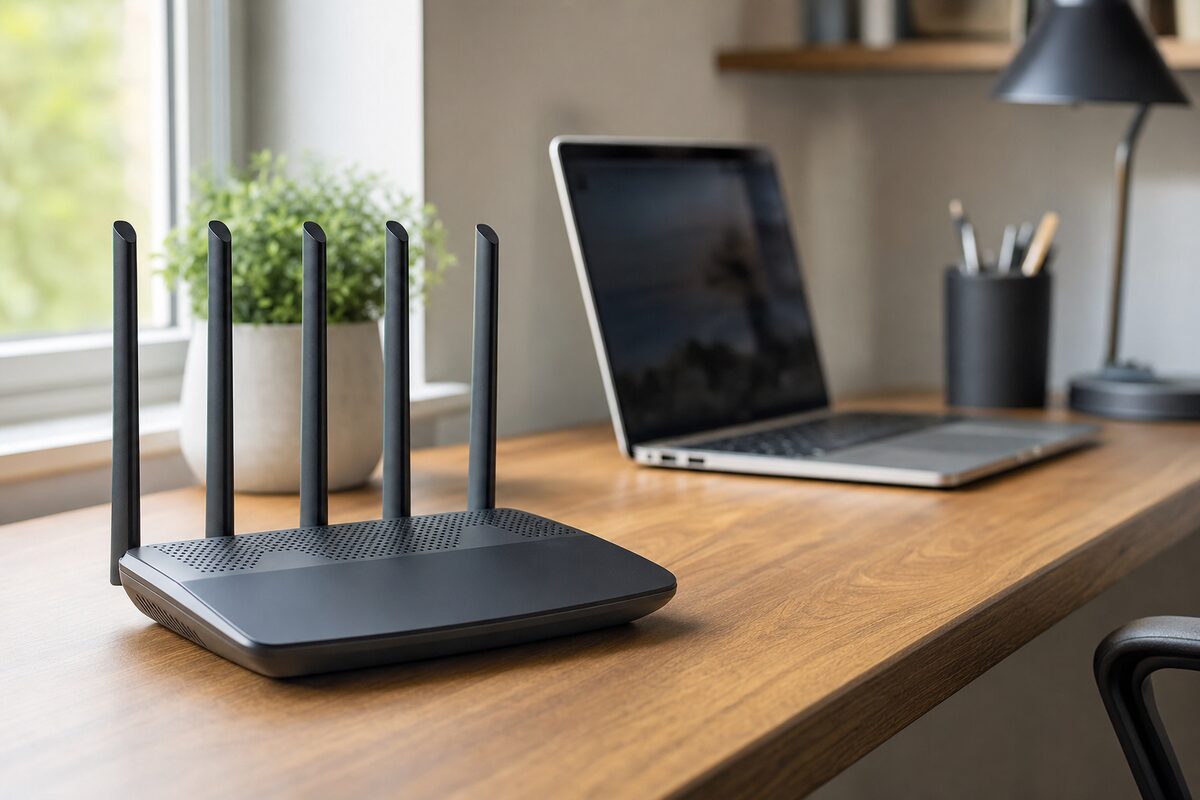
Most people buy a router once, shove it behind the telly, and forget about it for a decade. Then one day the video calls start dropping, the smart TV buffers at exactly the wrong moment, and someone in the house starts blaming everyone else's devices. The router is rarely accused — but it's usually the culprit.
The TP-Link Archer AX23 is the router we most commonly recommend to home users and very small businesses who ask us what to buy without spending a fortune. It usually comes in at around £40–£50 depending on where you look. That's a sensible amount of money. It's also the point where the honest review gets interesting — because this router is genuinely excellent up to a point, and knowing where that point is might save you a lot of frustration.
What Actually Is It?
The Archer AX23 is a Wi-Fi 6 (802.11ax) dual-band router. Wi-Fi 6 is the current mainstream standard — faster than Wi-Fi 5, better at handling lots of devices at once, and more efficient with battery life on phones and laptops. You don't need to understand the spec sheet; what matters is that it's not outdated technology dressed up in a new box. This is a proper modern router at a budget price.
It has four external antennas, a straightforward web-based setup, and a mobile app (Tether) that makes managing things like guest Wi-Fi and parental controls genuinely simple — even if you're not a technical person.
Who It's Best For
This router is a very good fit if:
- You live in a house or flat with a reasonable layout — roughly up to a mid-sized three-bedroom home
- You have somewhere between 10 and 25 devices connected (phones, laptops, smart speakers, TVs, tablets)
- You run a very small office — maybe a spare room or a small shop floor — with a handful of staff
- You're replacing an ancient router supplied by your broadband provider five years ago and want an immediate, noticeable improvement
- You don't need advanced networking features like VLANs, detailed traffic monitoring, or a built-in VPN server
For that kind of household or micro-business, the AX23 punches well above its price. Signal strength is solid, speeds are consistent, and the setup process is about as painless as routers get.
What's Good
The headline win is the Wi-Fi 6 upgrade for very little money. If your current router is Wi-Fi 5 or older and you've been having intermittent slowdowns — especially in the evenings when everyone's home — switching to this will almost certainly help. Wi-Fi 6 handles congestion better, which in plain English means the router doesn't get as flustered when six people are all doing something online simultaneously.
The 2.4 GHz and 5 GHz bands are both well-implemented. The 2.4 GHz band gives you better range and wall penetration; the 5 GHz gives you faster speeds at shorter distances. Most devices will hop between them automatically, which works well in practice.
Setup is genuinely straightforward. The Tether app walks you through it step by step, and we've seen customers who would normally ring us for help manage it without needing to. That matters.
What's Not So Good
Here's the honest bit. The AX23 has a single processor and relatively modest RAM. You won't see those specs listed prominently on the box, but they start to matter if:
- You have more than 30–35 devices connected simultaneously
- Several people are video conferencing at the same time from different rooms
- You run a busier small business with continuous uploads (CCTV, cloud backups, point-of-sale systems)
- Your building is large, has thick stone walls, or spans multiple floors
In those situations, the router won't catastrophically fail — it'll just start feeling sluggish in ways that are difficult to pin down. Calls that drop occasionally. Pages that load a beat too slow. That creeping sense that the internet is being uncooperative without any obvious reason.
The other limitation is range. It's fine for a modern three-bedroom house, but in a converted barn, a cottage with foot-thick walls, or a business premises with multiple rooms, you'll almost certainly want a mesh system or a second access point rather than relying on this router alone.
The Honest Verdict
The TP-Link Archer AX23 is a genuinely good router for the money. If your needs fit the profile above, buy one with confidence — it'll be a meaningful upgrade over most ISP-supplied hardware and will serve you well for years.
The trap people fall into is buying it for a situation it was never designed for. A growing small business with a dozen staff, or a large detached house with thick walls and 50+ smart devices, will hit the ceiling surprisingly quickly. In that case, look at the TP-Link Deco mesh range (two or three nodes covering a larger area) or, for businesses with more demanding needs, something like a UniFi or Netgear Orbi Pro setup — both of which we can advise on if you're not sure what fits your situation. You can also browse our recommended hardware page for products we've tested and stand behind.
The practical takeaway: if you're still using the router your broadband provider handed you three or four years ago and things feel slow, the AX23 is a low-risk, low-cost fix that will probably sort it. If you're running a small business and connectivity is genuinely critical to your day — don't cut corners on the router. Spend a bit more and get something with headroom to grow.
And if you're not sure which category you fall into, that's exactly the kind of question we're happy to answer without making it complicated.