Most people don't think about backing up their computer until something goes wrong. A failed hard drive, a stolen laptop, a ransomware infection — and suddenly years of photos, documents and emails are just gone. We see it happen more often than we'd like. The frustrating thing is that a decent backup drive costs less than a decent meal out for two, and it takes about five minutes to set up.
So this review is about the WD My Passport 2TB portable hard drive — the kind of unpretentious little box we genuinely recommend to home users and small businesses who need a reliable, fuss-free backup. No drama, no subscription, no cloud required.
What Is It, Exactly?
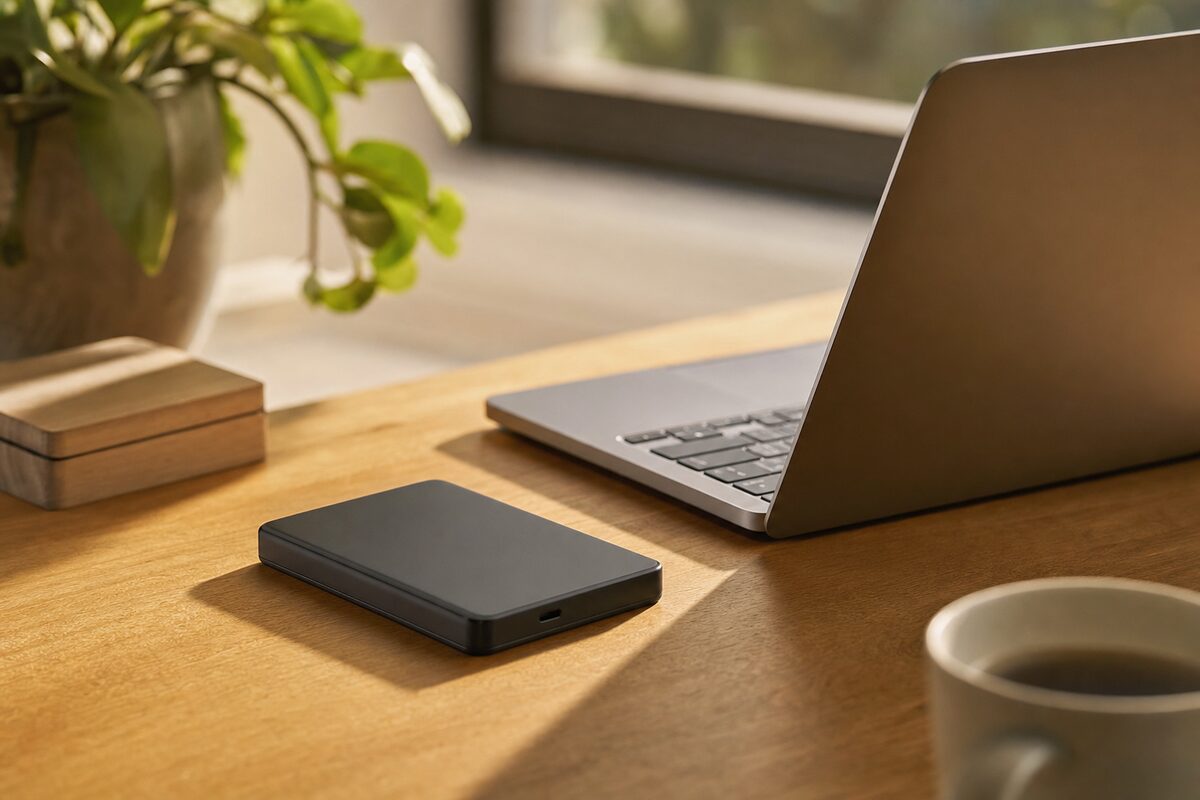
The WD My Passport is a compact external hard drive — about the size of a digestive biscuit tin — that plugs straight into a USB port on your PC, laptop or Mac. There's no power cable needed; it draws power from the USB connection itself. You get 2TB of storage for around £55–£65 depending on where you buy it (the 1TB version is closer to £40). Western Digital have been making these for years, and the My Passport range is consistently one of the most popular and dependable options at this price point.
It comes in several colours if that matters to you. It doesn't need any special software to work — on Windows it shows up as a normal drive in File Explorer; on a Mac it appears on the desktop straight away.
Who Is This For?
This drive is ideal for:
- Home users who want a simple, local backup of their photos, documents and important files without paying a monthly cloud subscription.
- Small business owners who keep accounts, client records or project files on a single machine and can't afford to lose them.
- Anyone with a laptop who travels or works from home and wants a portable, pocketable backup they can grab in a hurry.
- Mac users who want to set up Time Machine without buying Apple's own (much pricier) hardware.
It's less suited to people who need to move very large files quickly every day — video editors or photographers shooting in RAW, for example, will likely find a spinning hard drive frustratingly slow and should look at an external SSD instead. But for straightforward backup use, speed is rarely the bottleneck.
What's Good About It
The headline strength is simplicity. You plug it in, it works. On Windows, you can point the built-in Backup and Restore tool (or File History) at it in about three clicks. On a Mac, it immediately offers to become your Time Machine drive. Either way, your backup is running within minutes of opening the box.
The drive is also genuinely portable. It fits in a jacket pocket or a small bag without any fuss, which makes it easy to keep off-site — something that matters more than people realise. A backup drive sitting next to your laptop isn't much help if both get stolen together, or if there's a fire.
For the money, 2TB is a generous amount of storage. Most home users have far less than 200GB of personal data, so even the 1TB model will hold years' worth of backups with version history. WD include a three-year warranty on the My Passport, which is reassuring at this price.
It's also quiet and cool. You'll barely notice it's there.
What's Not So Good
There are a few honest caveats worth knowing before you buy.
First, it's a mechanical hard drive, not a solid-state one. That means there are moving parts inside, and it can be damaged if it's dropped while in use. Most modern portable drives have some shock protection built in, and realistically most people treat them gently enough that this never becomes a problem — but it's worth knowing. If you're very clumsy or genuinely rough with kit, a portable SSD (such as the Samsung T7) is a sturdier option, though it costs roughly twice as much per terabyte.
Second, WD bundle some of their own software — WD Discovery and WD Backup — and install it automatically on some systems. Neither is essential, and neither is particularly polished. Our advice: ignore it. Windows and macOS have perfectly good built-in backup tools that work better. You don't need the extras.
Third — and this is true of any external hard drive, not just this one — a backup drive is not a set-and-forget solution. You need to plug it in regularly for backups to actually run. If it sits in a drawer for six months and your laptop then fails, those six months of work are gone regardless of what drive you bought. A routine — even just plugging it in once a week — makes all the difference.
Setting It Up Properly
On Windows: search for "File History" in the Start menu, select your new drive, and turn it on. Windows will back up your Documents, Pictures, Music, Videos and Desktop folders automatically whenever the drive is connected. You can tweak the frequency in the settings — hourly is a reasonable choice.
On a Mac: when you plug in the drive, macOS should ask if you want to use it for Time Machine. Say yes. That's essentially it. Time Machine will back up automatically in the background every hour while the drive is connected, keeping hourly snapshots, daily backups and weekly backups until the drive fills up — at which point it deletes the oldest ones to make room.
If you want the real peace of mind of a three-two-one backup strategy (three copies of your data, on two different types of storage, with one copy off-site), this drive covers one leg of that nicely alongside a cloud service like OneDrive or Backblaze.
Honest Verdict
The WD My Passport 2TB is not exciting. It won't make your computer faster or more capable. It just quietly does one important job, reliably, without costing a fortune or needing much thought. For most home users and small businesses, that's exactly what a backup drive should be.
If you've been meaning to sort out a backup for a while but keep putting it off because it sounds complicated or expensive — this is the drive that removes both objections. Buy it, plug it in, turn on File History or Time Machine, and stop worrying. At around £55–£65 for the 2TB model, it's one of the best value purchases you can make for your computer setup.
You'll find links to this and other kit we genuinely recommend on our recommended products page.