Most people's backup strategy is roughly this: think about it occasionally, feel slightly guilty, and then forget about it until something goes wrong. If that sounds familiar, this article is for you.
We see the consequences of no backup almost every week — a data recovery job that could have been a five-minute copy, years of family photos chased across a dying hard drive, a small business scrambling to reconstruct client files. The frustrating thing is that a proper backup costs almost nothing and takes almost no effort. So today we're looking at the device we recommend more than almost anything else: the WD Elements Portable 1TB USB hard drive, currently available for around £38.
Not glamorous. Not exciting. Genuinely useful.
What It Is (and What It Isn't)
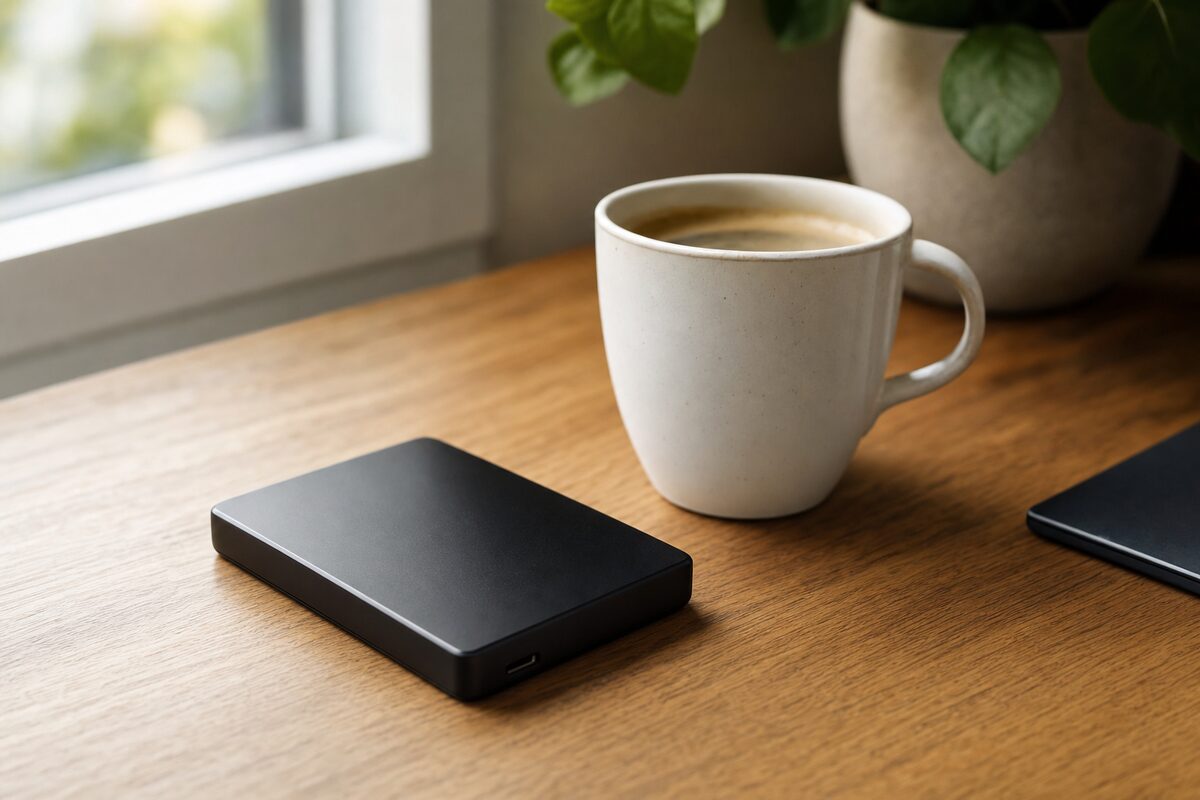
The WD Elements is a small, palm-sized external hard drive. You plug it into a USB port on your laptop or desktop, drag your files across, and unplug it. That's it. There's no app you have to install, no account to create, no subscription to pay, no Wi-Fi required. It just appears as a drive on your computer the same way a USB stick does — only with vastly more space.
It is not an SSD. It uses a traditional spinning hard drive mechanism inside, which means it's slower to copy files to and is more sensitive to being dropped or knocked while in use. It's a bedside-table or desk drawer device, not something to toss in a bag and forget about. For that kind of rough-and-tumble portability, you'd want to spend a little more on a portable SSD — but that's a different conversation for a different article.
What it is, is a reliable, no-fuss place to put a copy of everything that matters.
Who Is This Actually For?
The WD Elements is the right answer for a fairly specific type of person. You're probably that person if any of these apply to you:
- You have years of photos stored only on your laptop or phone
- You run a small business and keep client files, invoices or accounts on a single PC
- You've had a hard drive fail before and remember exactly how horrible it felt
- You know you should be backing up but every solution you've looked at seemed complicated
- You want something that doesn't require a broadband connection to work
It's less ideal if you need to back up multiple computers automatically, carry your files between locations every day, or work with very large video or design files regularly. For those scenarios there are better tools — but most home users and many small offices don't need any of that.
What's Good About It
The best thing about the WD Elements is that it has no learning curve whatsoever. On Windows, you can use the built-in File History or Backup and Restore tools to have it back up your Documents, Desktop, Photos and other folders automatically whenever it's plugged in. You set it up once and it just works quietly in the background. On a Mac, plug it in and macOS immediately asks if you'd like to use it as a Time Machine backup — click yes, and you're done.
The 1TB capacity is genuinely plenty for most home users. That's enough for tens of thousands of photos, years of documents, music libraries, and more. For most people reading this, 1TB will last years without filling up.
It also runs off USB power alone — no separate mains lead required. One cable in, and it works. Western Digital has been making these drives for a long time, the reliability reputation is solid, and they back it up with a three-year warranty.
What's Not So Good
Honest drawbacks, because there are a few worth knowing about:
- It's a spinning drive, not an SSD. Copying large amounts of data is noticeably slower than a flash drive. Fine for overnight or background backups; mildly tedious if you're copying 200GB of files in one sitting.
- It doesn't like being dropped. The spinning mechanism inside is mechanical. Knock it off a desk while it's running and you risk damaging it. Keep it somewhere sensible — next to the router, on a shelf, not balanced on a pile of post.
- It's not automatically offsite. If the backup drive sits next to your laptop and there's a fire, theft, or flood, both go together. Ideally you'd pair this with an occasional cloud backup — even a free Google or iCloud plan for your most critical files — to cover that scenario.
- It only backs up when it's plugged in. That sounds obvious, but it means you need to actually plug it in now and then. For most people, once a week is fine — keep it on your desk one day a week, or leave it plugged in whenever you're at home. The key is building a small habit.
The Honest Verdict
The WD Elements 1TB sits in a sweet spot that very few products occupy: it genuinely solves a real problem, costs very little, and requires almost no technical knowledge to use. It won't excite anyone. It won't make headlines. But if your laptop hard drive dies tomorrow — and laptop drives do die, usually without much warning — having one of these plugged in once a week means the answer to "have I lost everything?" is a comfortable no.
We stock and recommend this drive, and it features on our recommended kit page alongside a handful of other devices we actually trust. The 2TB version costs around £55 and is worth considering if you have a lot of photos or video. The 4TB version at around £80 is more of a desktop-drive proposition — useful, but probably overkill for most home users.
If you've been meaning to sort out a backup for months, this is your nudge. Thirty-eight pounds and fifteen minutes of your time. That's genuinely all it takes.