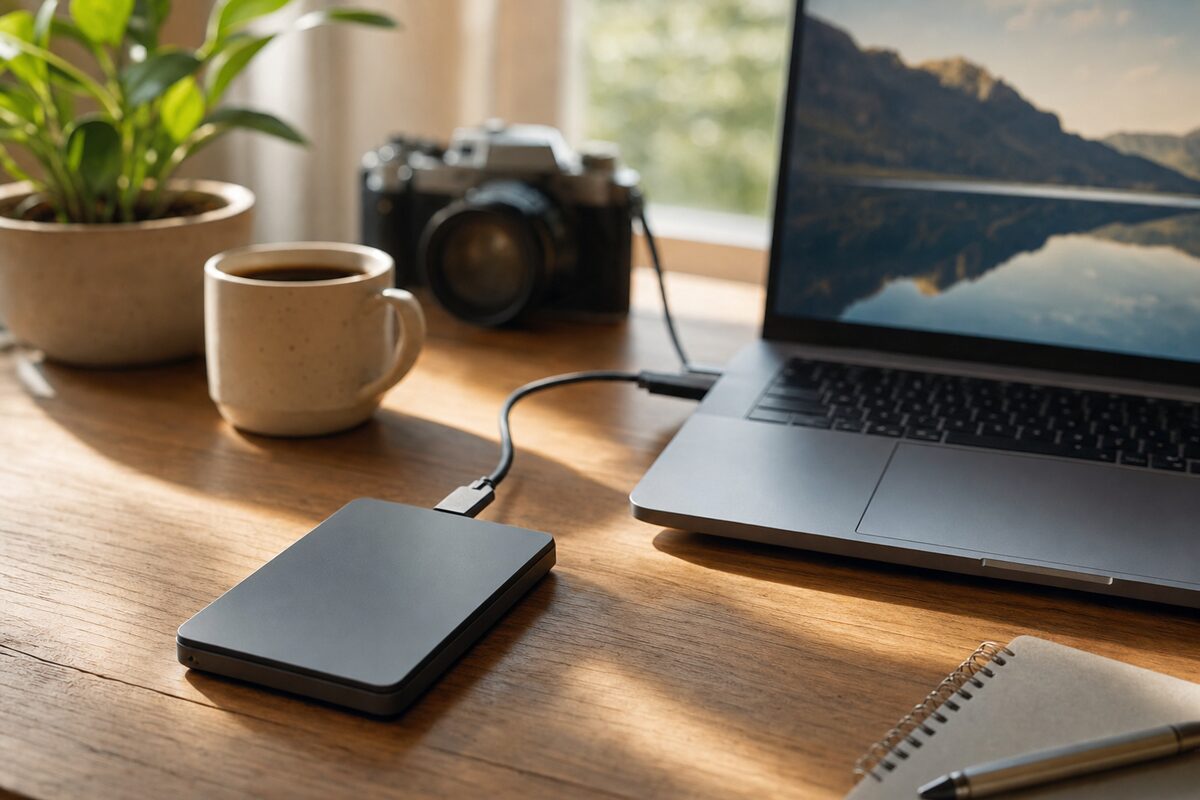
A customer came in last spring convinced her backup drive had failed. She'd plugged it in every Sunday evening for six months, watched the little light blink, assumed all was well — and then, when her laptop died, discovered the drive was completely empty. Not corrupted. Not encrypted. Just empty. Every single backup had silently failed to write.
The culprit? A cheap USB cable she'd swapped in when the original went missing. It delivered just enough power to spin the drive up and flash the light, but not enough to actually transfer data reliably. Six months of false security, for the cost of a replacement cable she'd found in a drawer.
It's one of the most common and quietly devastating problems we see. And it's also why, when people ask us what backup drive to buy, we don't just name a model — we talk about the whole setup. Because the drive itself is only part of the story.
So — which drive do we actually recommend?
For most home users and small businesses, the WD My Passport 2TB is the drive we point people towards most often. It's been around for years, it's well made, it's genuinely portable (smaller than a paperback, lighter than a phone), and it doesn't need its own power cable — it runs entirely off USB. You plug it in, it appears on your desktop, and you copy your files across. That's it.
It costs around £65–£75 depending on where you buy it, which is reasonable for 2TB of storage. A 4TB version is available for a little more if you've got a lot of photos or video. Colours vary — the blue and red ones are particularly easy to spot in a bag, which sounds trivial until you've spent ten minutes hunting for a black drive on a black desk.
Crucially, it comes with its own USB cable in the box. Use that cable. Keep that cable. Label it if you have to.
What's actually good about it
- Size and portability. It genuinely fits in a coat pocket. If you work from different locations or want to keep a backup offsite, this matters.
- No external power needed. One cable does everything. Fewer things to forget, fewer things to go wrong.
- Compatibility. Works with Windows and Mac out of the box. If you're on a Mac, you'll want to reformat it to APFS or Mac OS Extended — takes about two minutes — but otherwise it just works.
- Build quality. It's not indestructible, but it's solid. The casing has a slight rubberised feel that absorbs minor knocks better than the cheaper bare-metal alternatives.
- WD's reputation. They're one of the few manufacturers who've been making drives long enough that we've seen failure patterns over time. The My Passport line has a decent track record in our experience.
What's not so good
- It's still a spinning hard drive, not an SSD. That means it's slower, slightly more vulnerable to drops, and — like all mechanical drives — will eventually fail. Most last three to five years under normal use, sometimes longer, sometimes less. Treat it gently.
- The bundled software is skippable. WD includes backup software on the drive itself. It works, but it's not especially intuitive. Windows' built-in File History or Mac's Time Machine both do the job just as well, and you probably already have them.
- It's not silent.) You can hear it spin up and seek, especially in a quiet room. Not loud, but not silent either. If that bothers you, a portable SSD costs more but runs completely silently.
- No encryption by default. There's optional password protection via WD's software, but it's not on by default. If you're storing sensitive business data, turn it on — or consider a drive with hardware encryption built in.
Who is this actually for?
The WD My Passport 2TB is ideal for:
- Home users who want a simple, no-fuss backup of their photos, documents and downloads
- Small business owners who need a daily backup of their working files and want something portable enough to take home at night
- Anyone who's been meaning to set up a backup "at some point" and wants to just buy something sensible and get on with it
It's probably not the right choice if you're backing up a server, working with very large video files daily, or need something that can survive rough handling. In those cases, have a look at our recommended kit page — we list options for more demanding setups too.
The part most people skip — and shouldn't
Buying the drive is the easy bit. The bit that actually protects you is checking it works.
Once you've set up your first backup, restore a file. Just one. Navigate to the drive, find a document or photo, copy it back to your desktop, and open it. If it opens fine, your backup works. If something goes wrong at that stage, you want to find out now — not when your laptop has died and you're in a panic.
Do that check every few months. It takes about two minutes and has saved more than one customer from the kind of situation that leads to an emergency visit to a data recovery specialist.
And if you ever need to replace the cable — buy a new one from a reputable brand. Don't grab one from the drawer.
Honest verdict
The WD My Passport 2TB is a sensible, reliable, unpretentious backup drive. It won't dazzle you, and it's not trying to. What it will do is sit quietly on your desk or in your bag and hold your files safely — provided you plug it in regularly, use the right cable, and occasionally check it's actually doing what you think it is.
At around £65–£75, it's not the cheapest drive you can find, but it's priced fairly for what it is. We've recommended it to hundreds of customers over the years and the feedback is almost always the same: it just works, which is exactly what a backup drive should do.
If you're not sure whether your current backup setup is actually working — or you've never quite got around to setting one up — that's worth sorting sooner rather than later. The time to think about backups is always before you need them.