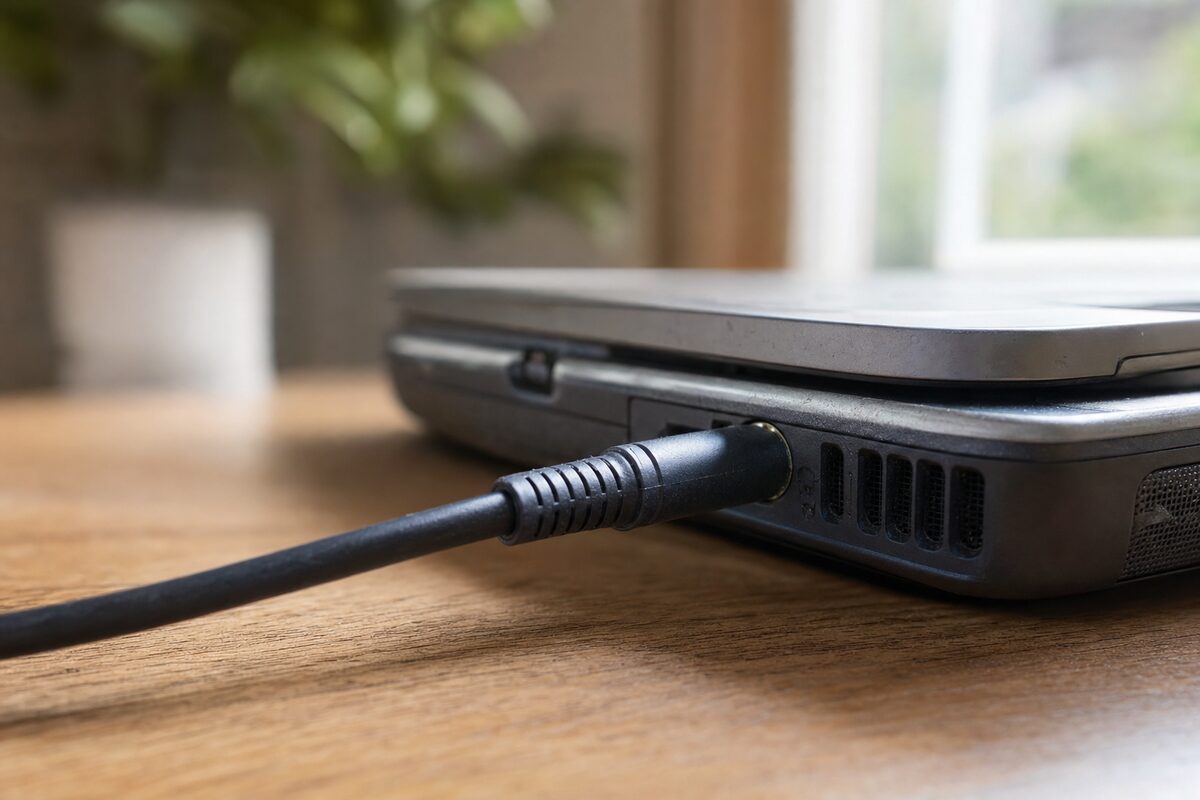
Margaret had been living with it for about four months. Her HP laptop would charge — but only if the cable sat at a very particular angle, leaning slightly to the left, propped against a thick paperback novel she kept on her desk specifically for the purpose. Move the book, lose the charge. It had become part of her morning routine.
When she finally brought it in, her assumption was straightforward: "The port's broken, isn't it? I'll probably need a new laptop." She'd already started browsing replacements.
What the Wobble Usually Suggests
A charging socket that only works at a certain angle is one of those problems that feels catastrophic but is actually fairly common on laptops that get carried around a lot. Every time a charger cable gets nudged, sat on, or pulled at while the laptop is plugged in, tiny stresses accumulate on the socket — a small component soldered directly onto the motherboard.
The most frequent cause is simple: the solder joints connecting the DC power jack to the board crack or weaken over time. The socket itself might look fine from the outside, but inside, the electrical connection has become intermittent. Angle the plug just right and you bridge the gap. Move it and you don't.
Less commonly, the jack itself breaks internally — the centre pin can bend or a retaining clip can fail. Either way, the symptom is the same: a cable that needs babysitting.
How We Diagnosed It
The first step was to rule out the charger itself. A multimeter confirmed it was putting out a steady 19.5 volts — perfectly healthy. So the problem was definitely in the laptop.
With the laptop powered down and the battery disconnected, we opened the base panel and had a look at the DC jack. Visually, it seemed intact. But when we gently applied lateral pressure with a plastic pry tool — mimicking what the propped-up cable was doing — the charging light flickered on.
A closer look under magnification told the story clearly: two of the four solder joints attaching the jack to the motherboard had fractured. They weren't completely broken — just cracked enough to lose contact under normal conditions. The socket hadn't failed; the solder had.
The Fix — and Why It Wasn't a New Laptop
Reflowing or replacing the solder on a DC jack is a routine job for anyone with the right tools and a steady hand. In this case, we resoldered all four joints, cleaned the area up, and while the board was accessible we checked the rest of the socket for any signs of physical damage. It was fine. Reassembled, tested, charged first time — no paperback required.
Total time: just under an hour. The cost was a fraction of what a replacement laptop would have run to.
Margaret had convinced herself she was looking at a £400 problem. She wasn't. This is genuinely one of the most satisfying repairs to hand back, because the customer's relief is so visible.
If you've got a similar issue, you can find out more about our laptop repair service here.
Why People Put Up With It for So Long
We see this pattern a lot. Someone develops a workaround — a specific angle, a particular surface, a folded piece of card — and because it works, they stop thinking of it as a problem. The laptop still charges. Life goes on. Months pass.
The trouble is that a cracked solder joint tends to get worse, not better. The more the socket flexes, the more the crack propagates. Eventually the workaround stops working too, and by that point you can end up with more extensive damage — or worse, the laptop dying completely at a moment you really didn't need it to.
The rule of thumb: if you've developed a ritual to make something work, that's the moment to get it looked at — not when the ritual stops being enough.
The Practical Lesson
Here's what's worth taking away from Margaret's story:
- A wobbly or temperamental charging port is nearly always fixable — it's not an automatic death sentence for a laptop.
- Don't assume the worst. "The port's broken" and "I need a new laptop" are two very different things, and the first rarely leads to the second.
- Get it looked at early. A cracked solder joint costs much less to fix than a damaged motherboard trace or a socket that's been levered so far it takes a pad with it.
- Check the charger first. Before anything else, try a known-good charger if you can borrow one. Sometimes the cable itself is the culprit, and that's even cheaper to sort out.
- The paperback-propping phase is a warning, not a solution. If your instinct is to wedge something under the cable, your instinct is telling you something useful.
It's easy to catastrophise when a piece of kit starts misbehaving — especially if you rely on it for work or keeping in touch with family. But a lot of the repairs that come through the door here are genuinely straightforward once someone actually looks inside. The gap between "something's wrong" and "I need a whole new computer" is often much wider than people think.
If your laptop is doing something similar — or something else that's got you baffled — it's almost always worth a quick conversation before you start looking at replacements.